Split a large JSON file for import | Stay within the size limit for each file
Select the array to import from an oversized JSON export and split the records using the actual byte limit for each file. Follow an illustrated example from validation and saving through the checks before import.
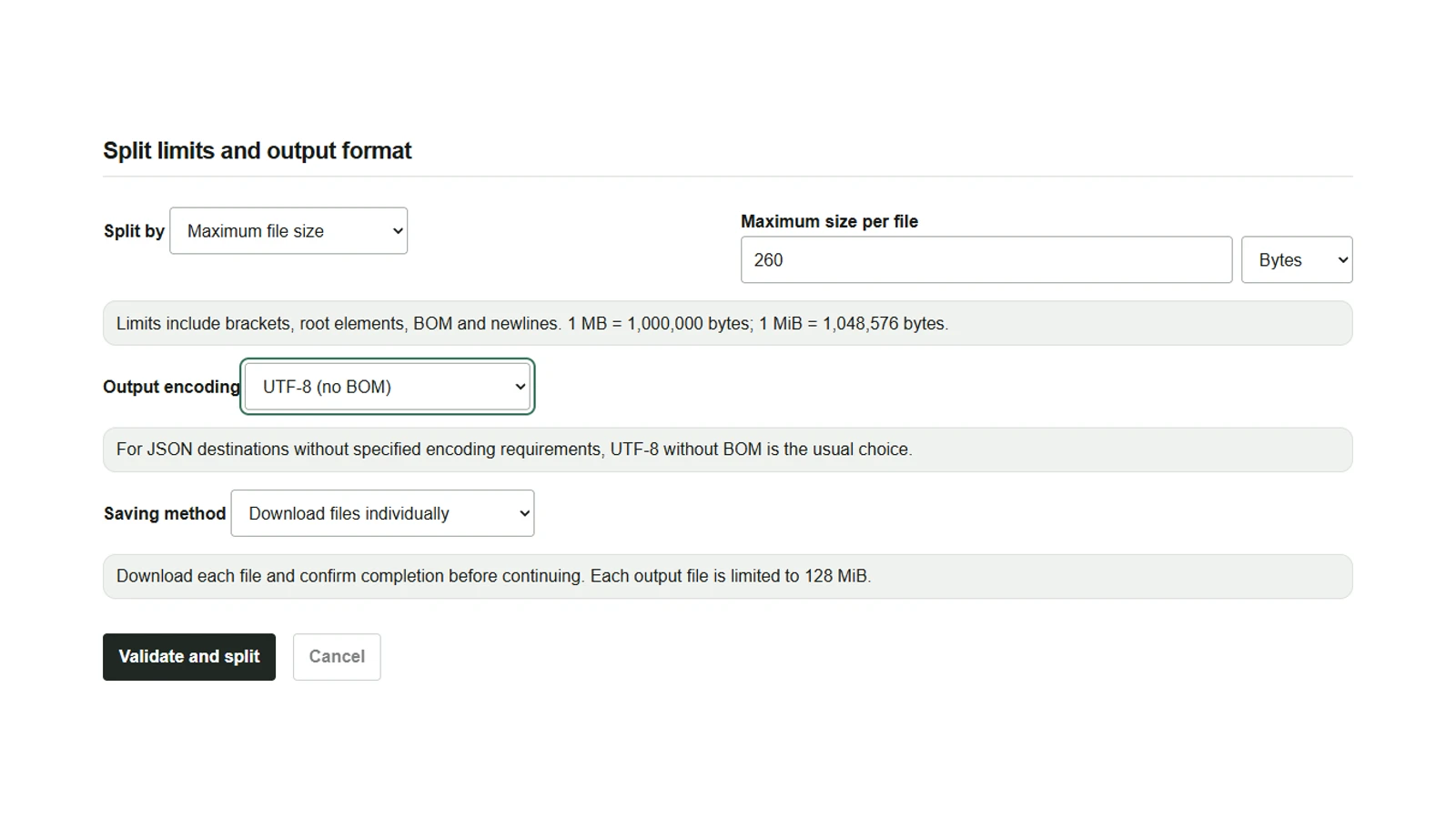
Exporting JSON from an old system is only half the move. The new system may reject the upload because the file is too large. If it can append imports from multiple files, split the product or transaction list between records and import the parts in order. The JSON Splitter keeps each part readable as JSON.
Check the destination’s limits and import behavior
If the limit is given in bytes, select Bytes in the tool and enter the same number. Check whether the importer uses 10 MB to mean 10,000,000 bytes or 10 MiB, which is 10,485,760 bytes. If there is a cap on the entire upload request, set a lower file limit to allow for the filename and form fields.
Some systems overwrite existing data on every import. Check whether the importer can append records and what happens when it encounters the same ID again. Start with a small test.
Split the sample by file size
- Select Try sample. Check that the automatically selected
/data/itemscontains five records. For your own JSON with several arrays, such as a product list and a history, choose the array you want from the detected candidates. If the entire document is an array, select Root array. - The sample opens in record-count mode. Switch to Maximum file size. To reproduce the walkthrough with a small file, set the limit to 260 Bytes, select UTF-8 (no BOM), and choose Download files individually.
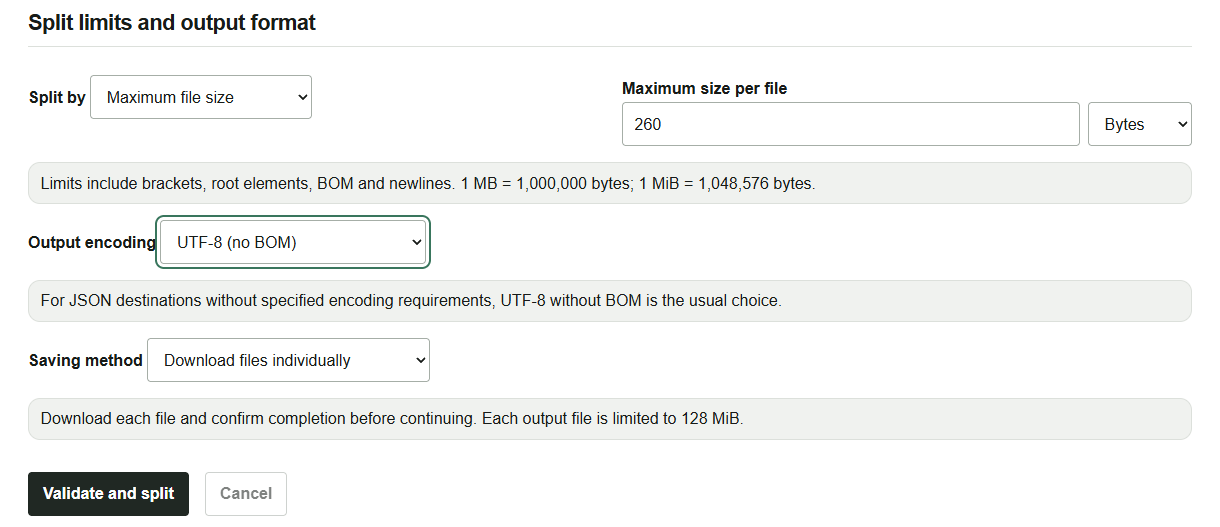
- Select Validate and split and then Save this file. Once the browser has finished downloading, select Confirm save and continue. Repeat for the other files and select Confirm save and finish after the last download.
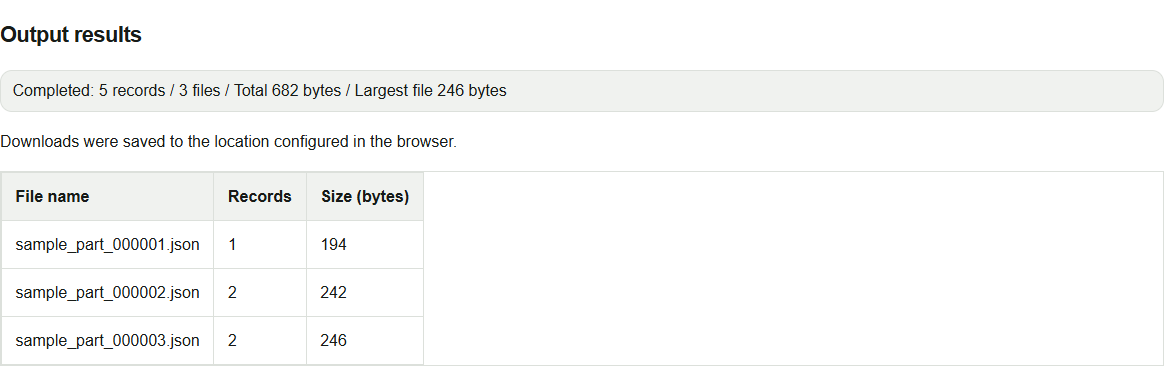
This sample produced three files with one, two, and two records. Their sizes were 194, 242, and 246 bytes, all within the 260-byte limit. Open the saved JSON files to see metadata and note in each one and only that part’s records in data.items. Before importing your own files, verify that their total record count matches the original.
Split large files
In a supported desktop browser, Save directly to folder (large files) creates a dedicated subfolder under the destination and writes numbered files in sequence. Individual downloads are limited to 128 MiB per output file. The browser processes the data locally while splitting.
The limit includes the output encoding, delimiters, array brackets, and any shared metadata kept in each part. Validation stops before saving if this shared content and one record already exceed the limit. Use another import method if the destination supports one, or export fewer fields from the old system. For NDJSON with one object per line, switch the input format to NDJSON to get output in the same format.