A simple key macro: send keystrokes to Notepad with VBScript SendKeys
Bring a window to the foreground and enter sample text in Notepad with SendKeys. Learn how to set the delay and repetition count and specify modifiers and special keys.
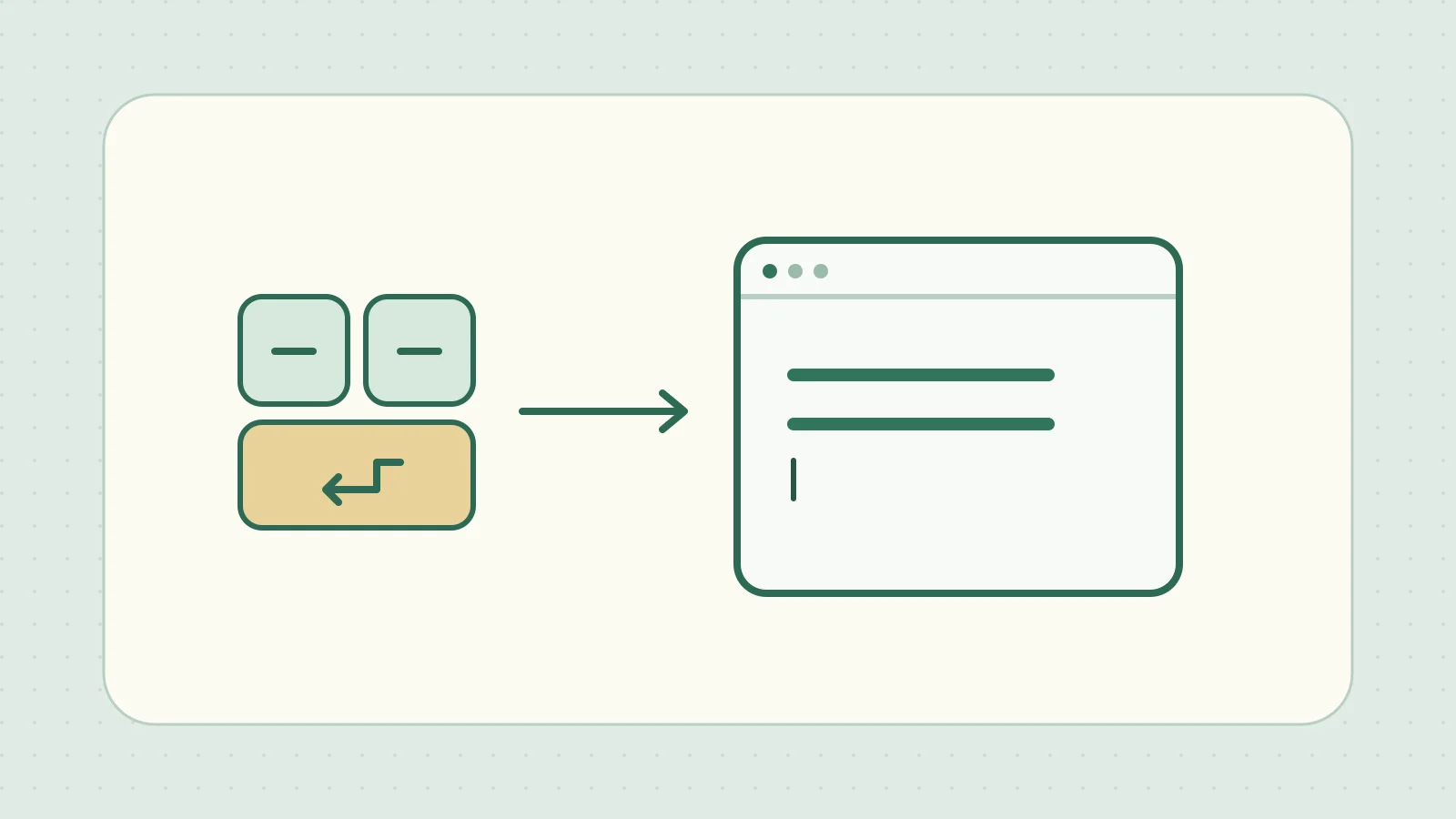
When you frequently type the same text or use the same shortcut, Windows Script Host (WSH) can send those keystrokes with SendKeys. The window in the foreground receives the keys, so use AppActivate to bring the intended window forward before sending them.
Type the same line twice into a blank Notepad document
This example assumes Windows 11 with VBScript available through WSH. Create an empty text file in Notepad and save it with a unique name such as ixam-key-macro-example.txt. Open that file in a single Notepad window and put the cursor in the editing area.
Save the following code as key-macro.vbs. It contains only ASCII characters, so you can save it as text without a BOM.
Option Explicit

Const repeatCount = 2
Dim shell, targetTitle, i

If WScript.Arguments.Count <> 1 Then
    WScript.Echo "Usage: cscript //nologo key-macro.vbs ""window title"""
    WScript.Quit 2
End If

targetTitle = Trim(WScript.Arguments(0))
If Len(targetTitle) = 0 Then WScript.Quit 2

Set shell = CreateObject("WScript.Shell")

For i = 1 To repeatCount
    If Not shell.AppActivate(targetTitle) Then
        WScript.Echo "Target window could not be activated."
        WScript.Quit 1
    End If

    shell.SendKeys "macro sample{ENTER}"
    If i < repeatCount Then WScript.Sleep 250
Next
In Command Prompt, change to the folder where you saved the script and run it as shown. Use the exact title shown in the Notepad window as the argument. For example, if it reads “ixam-key-macro-example.txt - Notepad”, put the entire title in double quotes. Microsoft’s cscript reference
cscript //nologo key-macro.vbs "ixam-key-macro-example.txt - Notepad"
The editing area shows two lines of macro sample. Set the repetition count with repeatCount. If the script cannot bring the target to the foreground, it exits before sending that round of keystrokes.
Set the delay and specify special keys
WScript.Sleep 250 waits 250 milliseconds, or 0.25 seconds, before sending the next line. A fixed delay cannot verify that a field or dialog is ready, and switching apps can redirect the input. Leave the keyboard and mouse alone while testing. Before extending the script to save or send anything, test it with sample data.
| Input | String passed to SendKeys |
|---|---|
| Enter, Tab, Esc | {ENTER}, {TAB}, {ESC} |
| Backspace, Delete | {BS}, {DELETE} |
| Up, Down, Left, Right arrows | {UP}, {DOWN}, {LEFT}, {RIGHT} |
| Home, End, Page Up, Page Down | {HOME}, {END}, {PGUP}, {PGDN} |
| F2 | {F2} |
| Shift+A, Ctrl+A | +a, ^a |
| Alt plus another key | Put % before the key |
| a five times | {a 5} |
| A literal plus sign | {+} |
To apply the same modifier to several keys, group those keys in parentheses. %(fs) sends f then s while holding Alt. The action depends on the shortcuts defined by the app.
Microsoft has deprecated VBScript and plans to remove it from a future version of Windows. When reading an existing .vbs, separate the input target, timing, and key sequence to follow what it does. For new tasks that only read or write files, working directly with PowerShell or similar tools reduces dependence on window focus and timing. Microsoft’s VBScript deprecation notice