Convert RGB, HEX, and HSL to adjust colors in CSS
Convert an RGB design value to HEX for CSS, then lower HSL lightness to create a hover color. English screenshots and examples explain the fields, rounding, and transparency limitations.
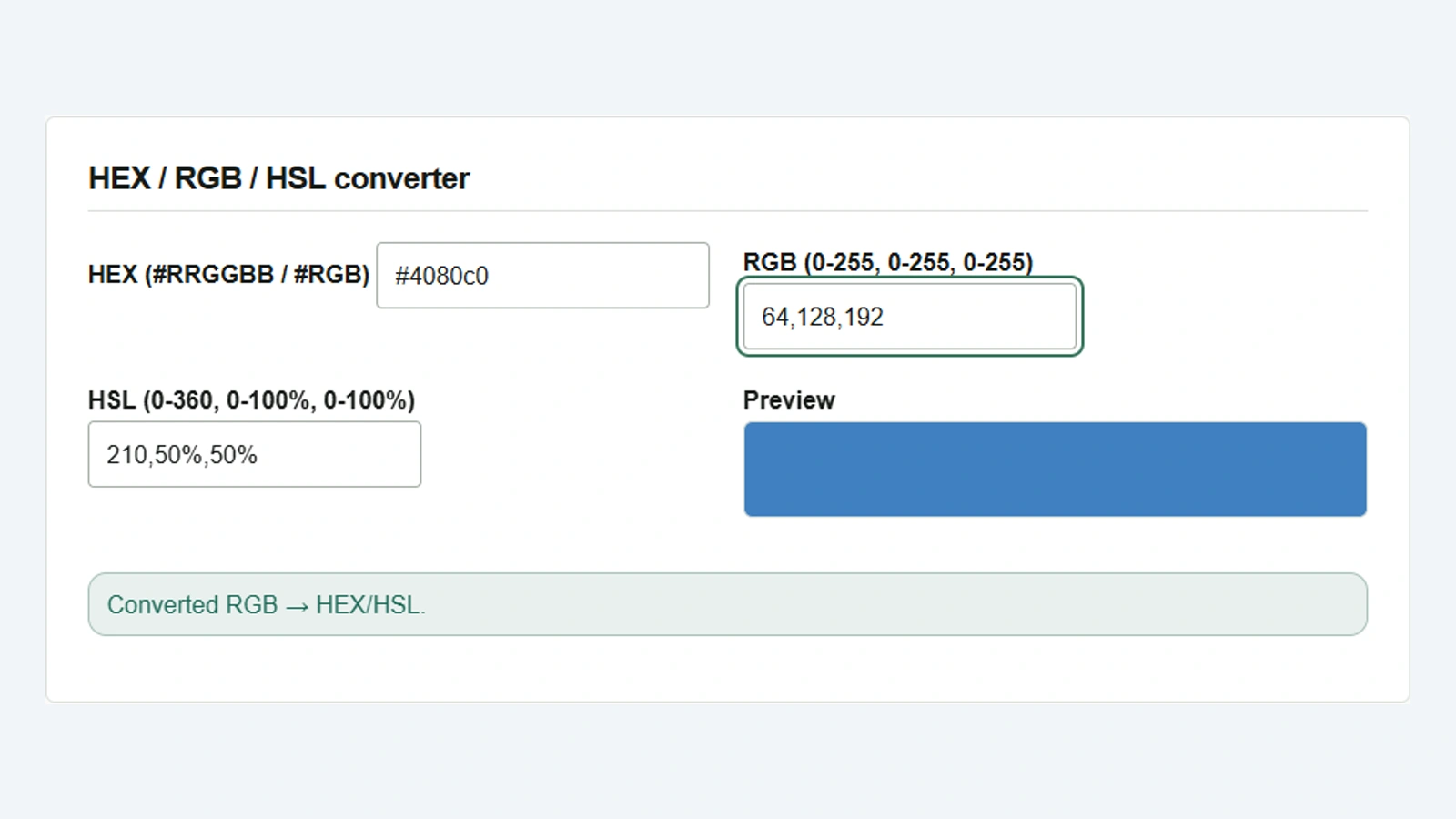
A design specifies a button color as 64,128,192. You want to write it as HEX in CSS and make it slightly darker on hover without changing its hue. In Color Converter, entering RGB, HEX, or HSL automatically updates the other formats and the color swatch.
Convert RGB to HEX
- Enter
64,128,192in RGB, using ASCII commas to separate the components. - Check the blue color in Preview, then select and copy
#4080c0from HEX. - Paste it into a CSS color declaration such as
background-color.
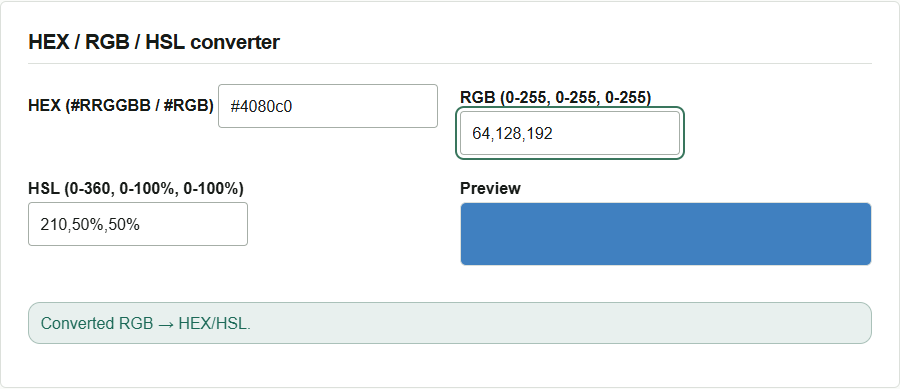
To convert from HEX, enter the value in HEX. Both #RRGGBB and the three-digit shorthand #RGB are supported: for example, #48c represents the same color as #4488cc.
If you do not have numeric values, pick a color from the Color palette plane or enter a name such as white in CSS color name. Use the hue slider to choose a color family, then adjust saturation and brightness on the plane. Whichever field you use, the palette marker moves to that color’s position. If the entered color matches a CSS color name, that name also appears.
Lower HSL lightness to create a hover color
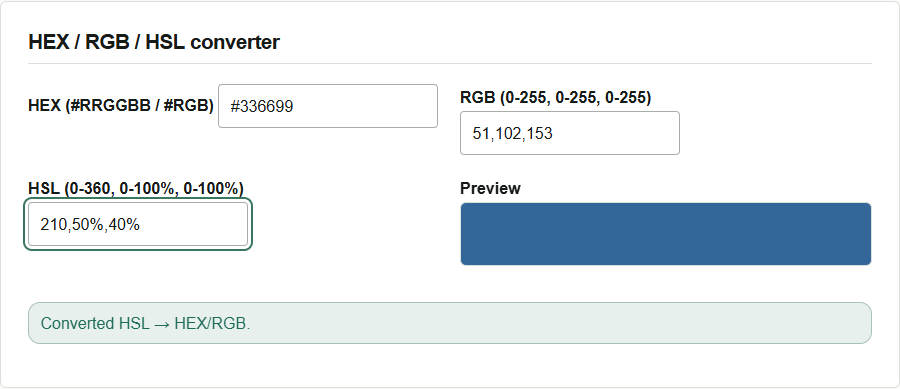
HSL lists hue, saturation, and lightness in that order. Reduce the last component, lightness, in the example’s 210,50%,50%.
- Enter
210,50%,40%in HSL, retaining the original hue and saturation. - Check that the preview becomes darker and HEX displays
#336699. - Copy this HEX value and use it alongside the original color in CSS.
.action-button {
  background-color: #4080c0;
}

.action-button:hover {
  background-color: #336699;
}
With white text (#fff), the text-to-background contrast ratio is about 4.14:1 for the normal #4080c0 and 6.00:1 for the hover color #336699. Only the hover color meets WCAG 2.2 level AA’s 4.5:1 requirement for normal-sized text. Enter the text and background colors in the Color contrast checker to try how much darker the normal background needs to be.
Input formats and conversion precision
Enter each RGB component as an integer from 0 to 255. In HSL, enter three values such as 210,50%,40%. When copying values from CSS, remove the rgb(...) or hsl(...) function name and parentheses, and separate the components with commas. Eight-digit HEX with transparency and four-component input are not supported.
HSL converted from RGB or HEX is displayed rounded to integers. Entering that HSL again may produce slightly different RGB values, depending on the color. To transfer the original color accurately to CSS, use the HEX obtained directly from RGB. All conversion takes place in the browser.