Reading chmod 750 and 640 | Convert the ls -l permissions field to octal
Convert drwxr-x--- from Linux ls -l to 750 with the chmod permission calculator. Follow screenshots to distinguish permissions on a shared directory from those on its files, and use the checkboxes to build 640 for a regular file.
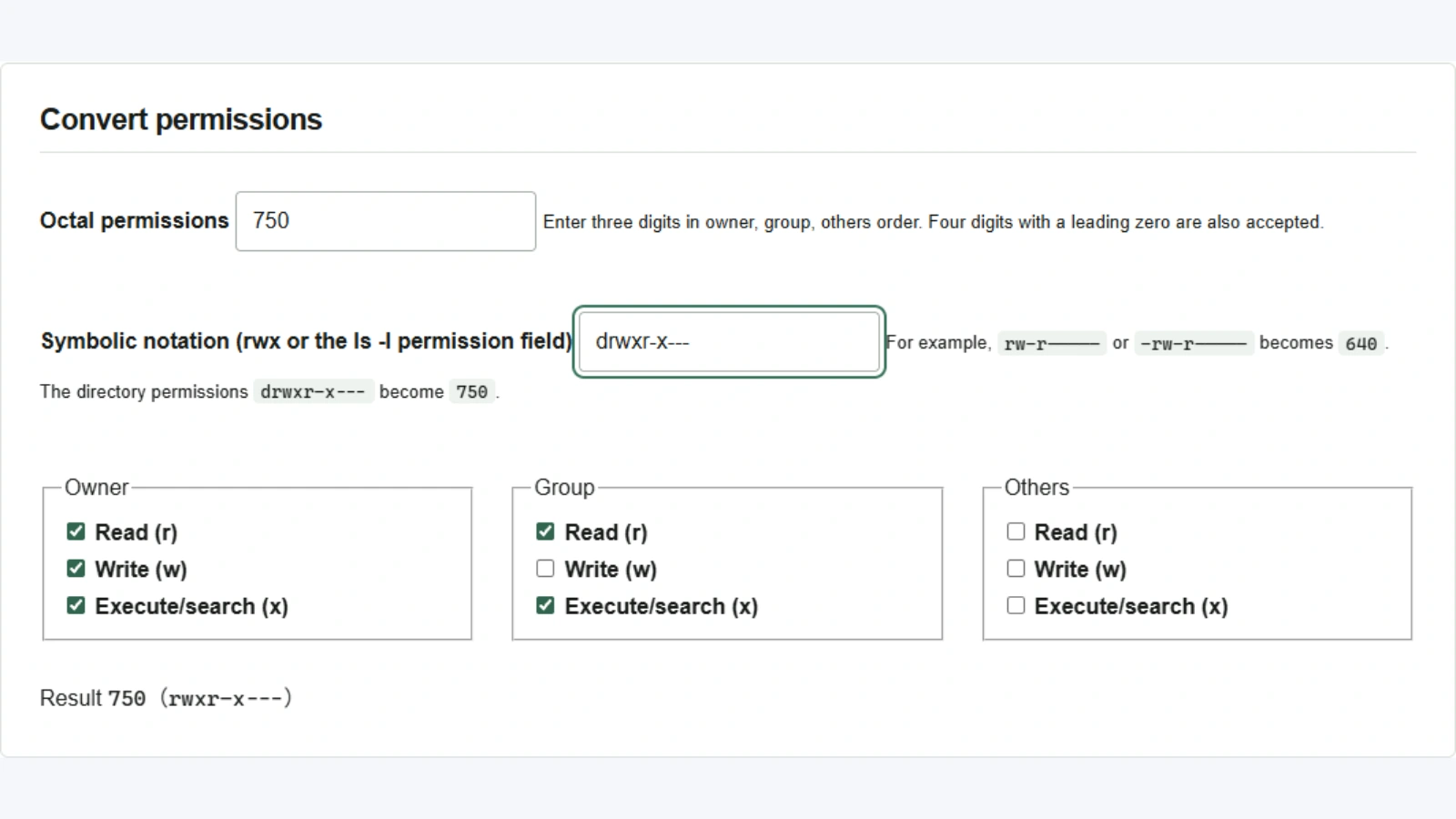
You run ls -ld on a shared team directory and see drwxr-x--- at the start of the line. Can members of the group open the files inside? Should a report in that directory use the same permissions? Use the chmod permission calculator to check the directory and the report separately.
Convert the directory permissions to 750
- Open the calculator and enter
drwxr-x---in Symbolic notation. When pasting from an actual listing, copy the ten-character permissions field at the beginning of the line. - Check that Octal permissions and the result both show
750. The initialddenotes a directory. The calculation uses the next nine characters. - Read the checkboxes from left to right. Owner has
rwx, Group hasr-x, and Others has---.
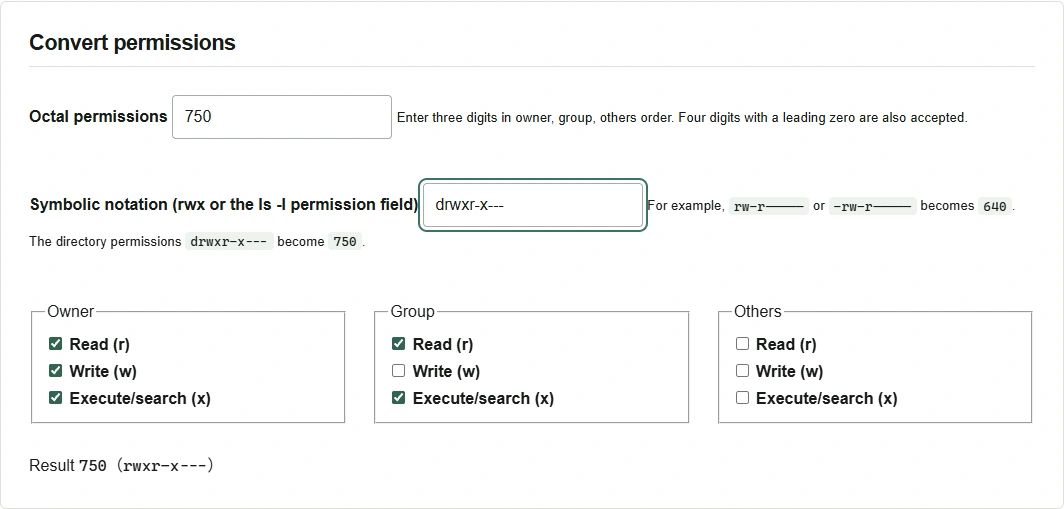
For a directory, r allows listing names and x allows looking up an item by name. The group has both here. Whether someone can read the report also depends on permissions on the directories along the path and on the report itself.
Build the report permissions 640 with checkboxes
The owner needs to read and write the report, while members of the report’s group only need to read it. Start with 750 displayed from the previous steps.
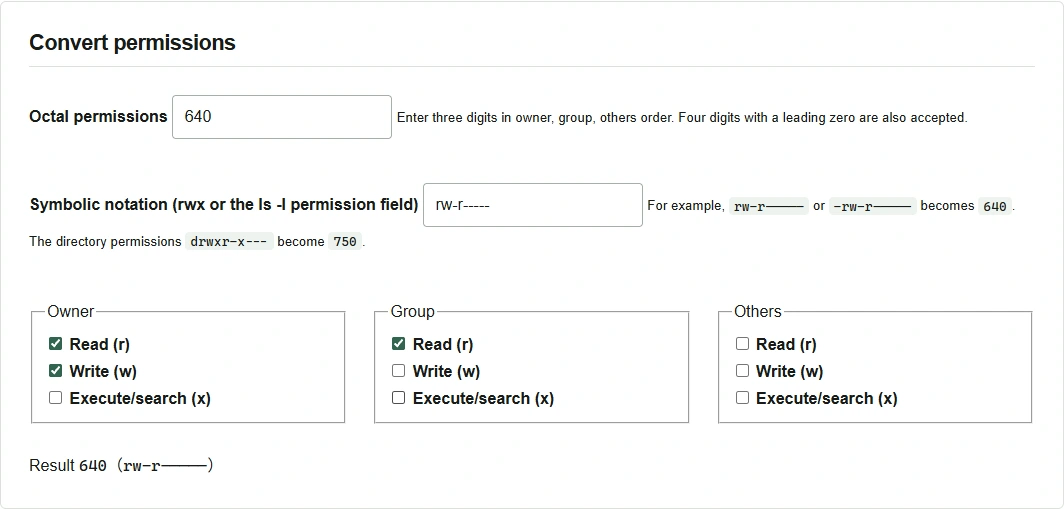
- Clear Execute/search (x) under Owner and Group.
- Check that read and write remain selected for the owner, only read for the group, and nothing for others.
- Check the result
640(rw-r-----). The values are 4 forr, 2 forw, and 1 forx, so the three digits are4+2,4, and0from left to right.
Checking actual access
The calculator handles the nine ordinary permission bits in your browser. If the field has a trailing + or . indicating additional access controls such as an ACL, omit that marker when converting. To determine who can actually access a file, also check its owner, group, and additional access controls. Inputs with setuid, setgid, or the sticky bit display a message about the supported formats.