Convert identifier case using an API response code
Convert the same phrase to camelCase, snake_case, and other styles with Case Style Transformer. Follow the screenshots to adjust acronym capitalization and copy the result you need.
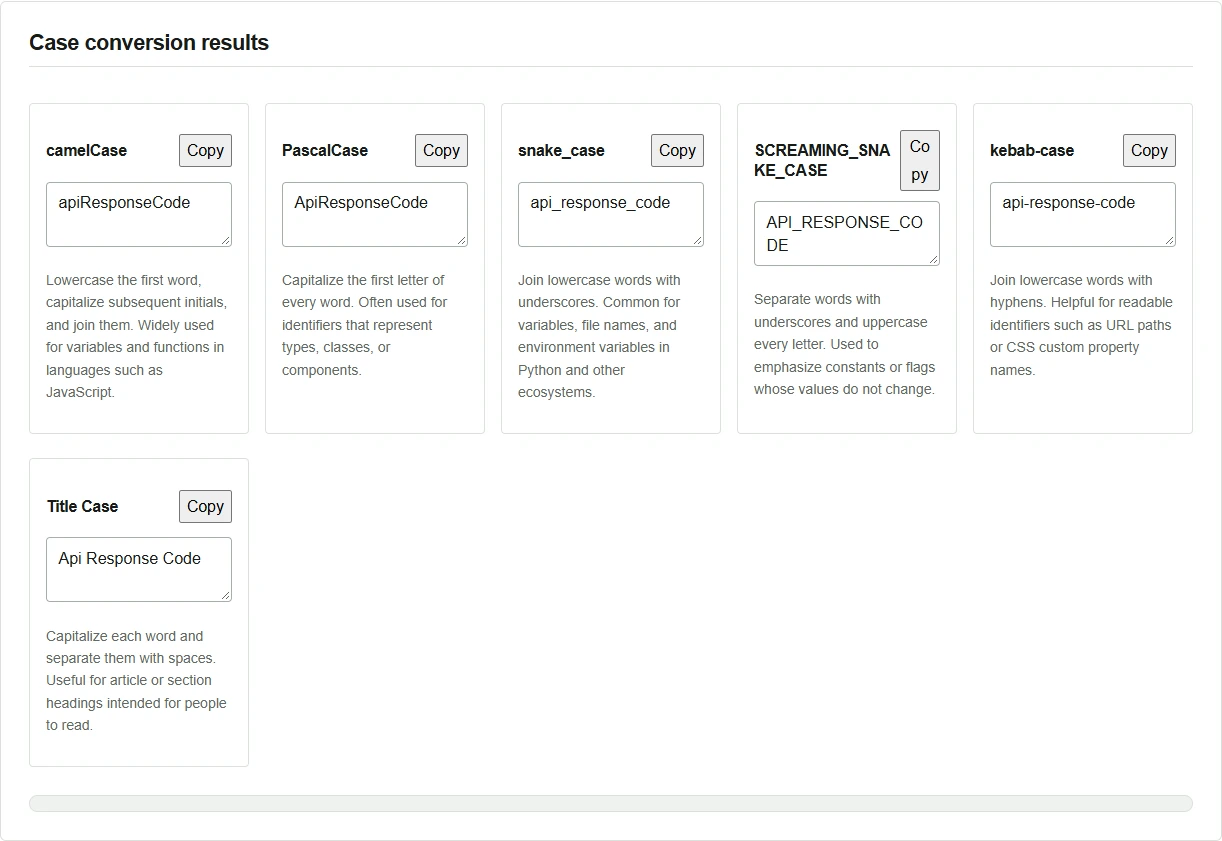
Suppose you read JSON returned by an API and store its response code in a JavaScript variable. In this example, the JSON key separates words with underscores, while the variable name capitalizes the first letter of each word starting with the second. The same concept therefore appears as api_response_code in the response and apiResponseCode in the variable. Enter the phrase once in Case Style Transformer to see six styles side by side. The conversion happens in your browser.
Enter a phrase and compare the results
- Enter
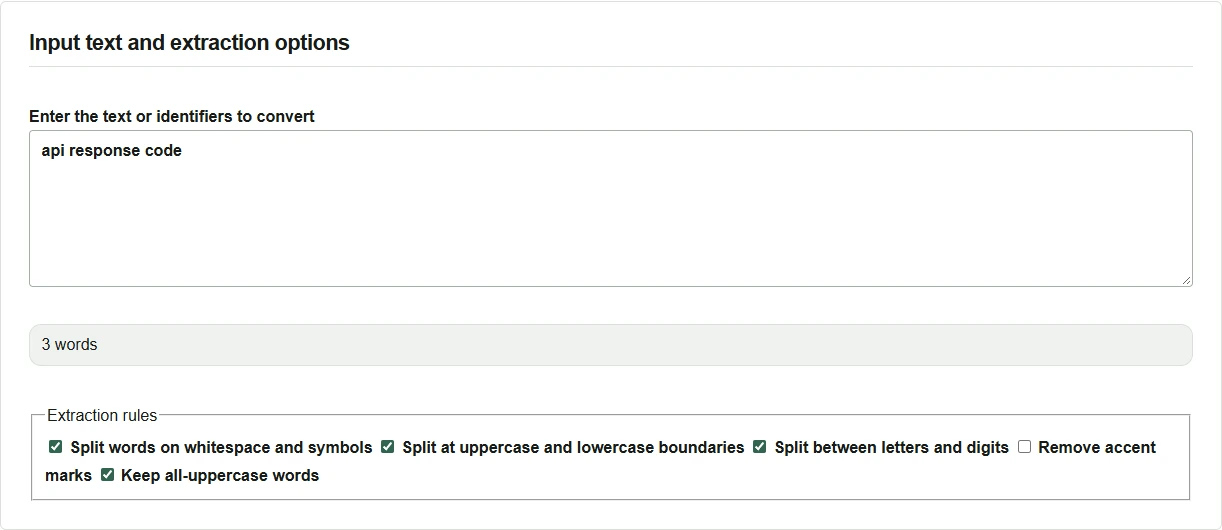
api response codein “Enter the text or identifiers to convert”. - Check that “3 words” appears below the input. The results update as you type.
- Choose the result that fits the convention where it will be used, such as
apiResponseCodefor the variable orapi_response_codefor the JSON key.
Adjust acronym capitalization and copy the result
Acronyms can take a little thought. Even within PascalCase, check the surrounding code to decide whether to start with API or Api.
- Replace the input with
API response code. Check that the PascalCase result isAPIResponseCode. - Turn off “Keep all-uppercase words” and check that PascalCase becomes
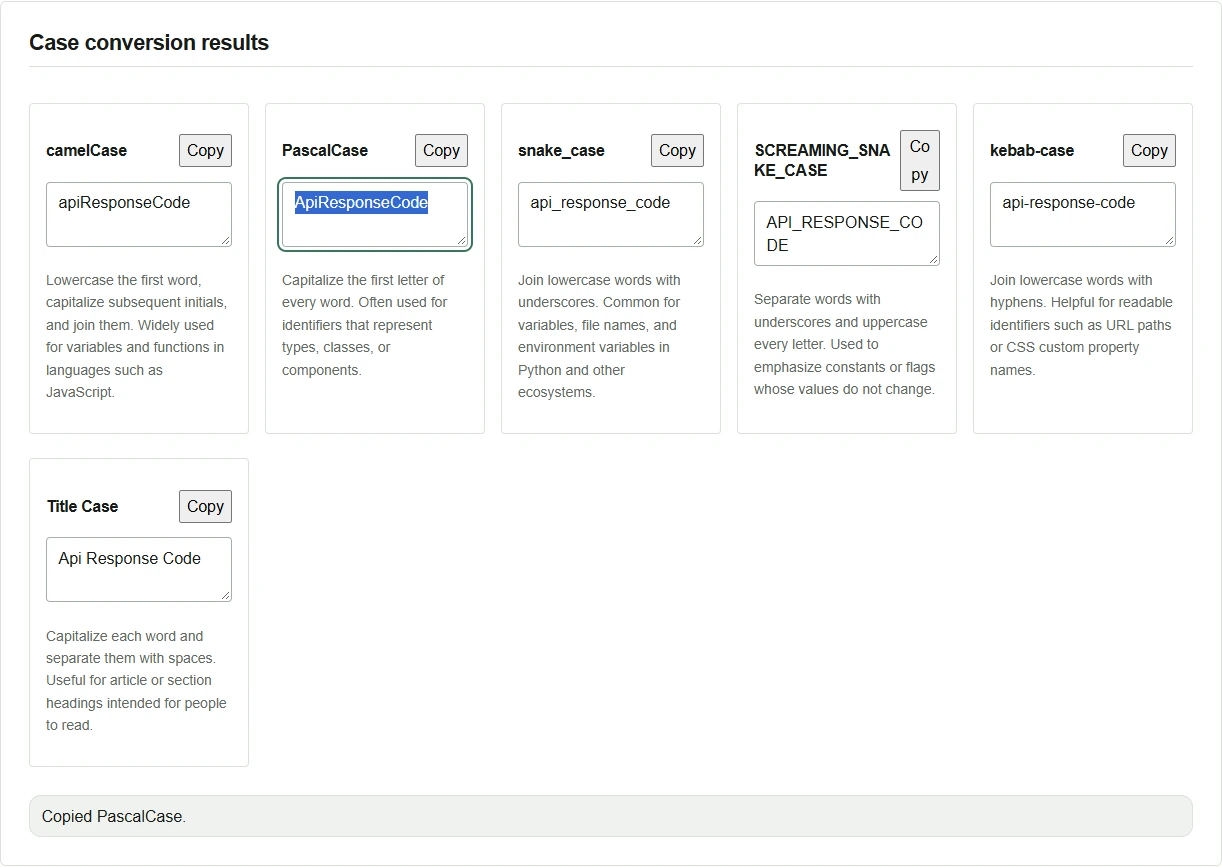
ApiResponseCode. - Click “Copy” on the PascalCase card and paste the result where you need it in your editor. Save the file from the editor if you want to keep it.
When the word count differs from what you expected
For example, status200 has no spaces. The default settings still split it where letters meet digits, so the snake_case result is status_200. Turn off “Split between letters and digits” to keep the number as part of the same word. To join words separated by spaces, remove those spaces from the input as well.
Before pasting a result into code, check for reserved words, leading digits, and conflicts with existing names. The tool suggests spellings. Whether a suggestion is a valid identifier depends on your project’s language and rules.