Read Unix timestamps in JST and set the start of a log search
Use a fictional API log to read Unix milliseconds in Japan Standard Time and UTC, then calculate the starting timestamp for a log search from midnight in Japan.
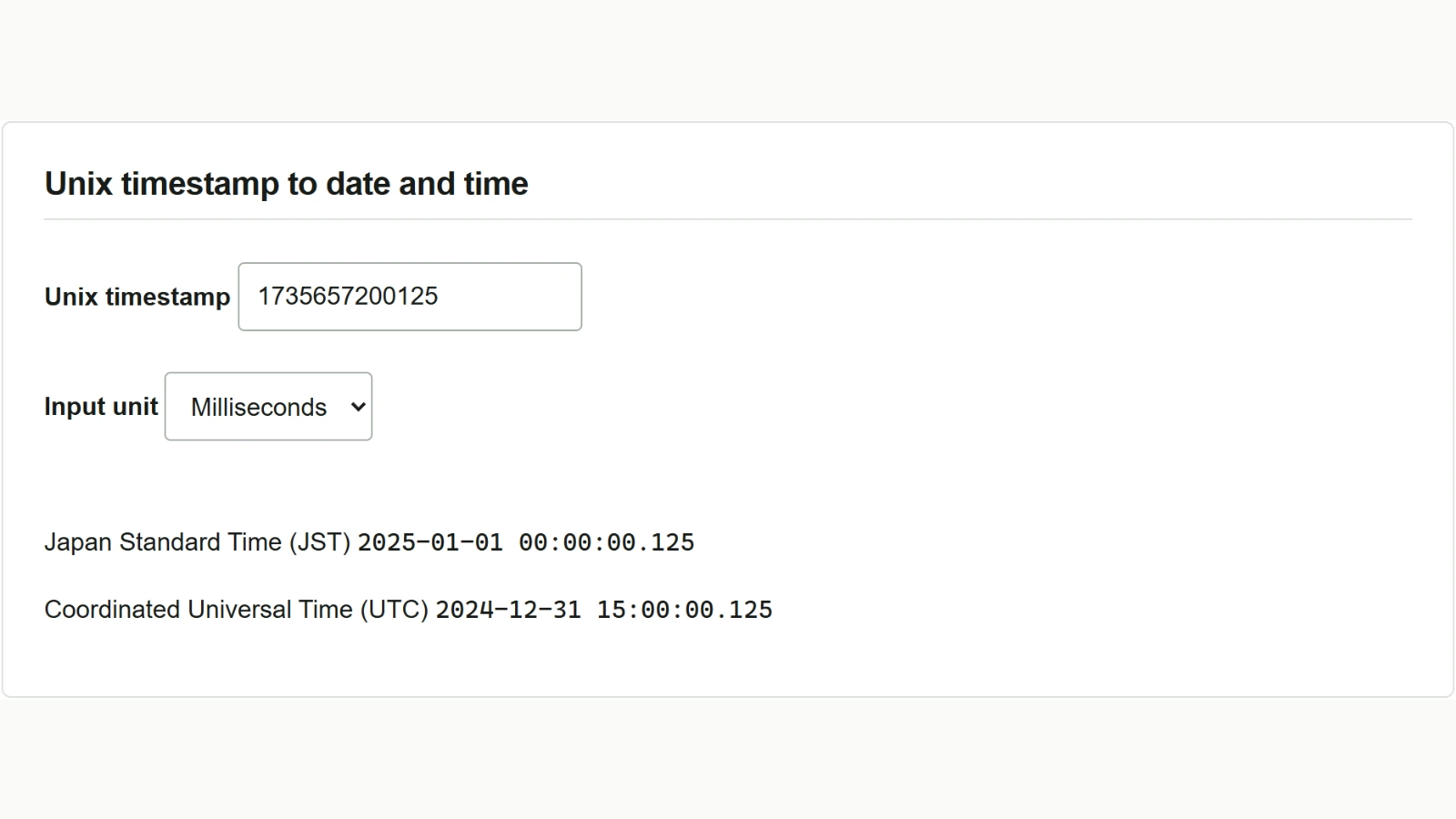
Suppose you are investigating an event around midnight on January 1 in Japan. A fictional API log records its time as 1735657200125. Use the Unix Timestamp Converter to find the local time and the start value for your search.
Read log milliseconds in JST and UTC
- Check the API field documentation for the time unit. In this example the log uses Unix milliseconds.
- Enter
1735657200125in “Unix timestamp” and choose “Milliseconds” under “Input unit”. - JST shows
2025-01-01 00:00:00.125and UTC shows2024-12-31 15:00:00.125. These are the same instant, 125 milliseconds into the new year in Japan.
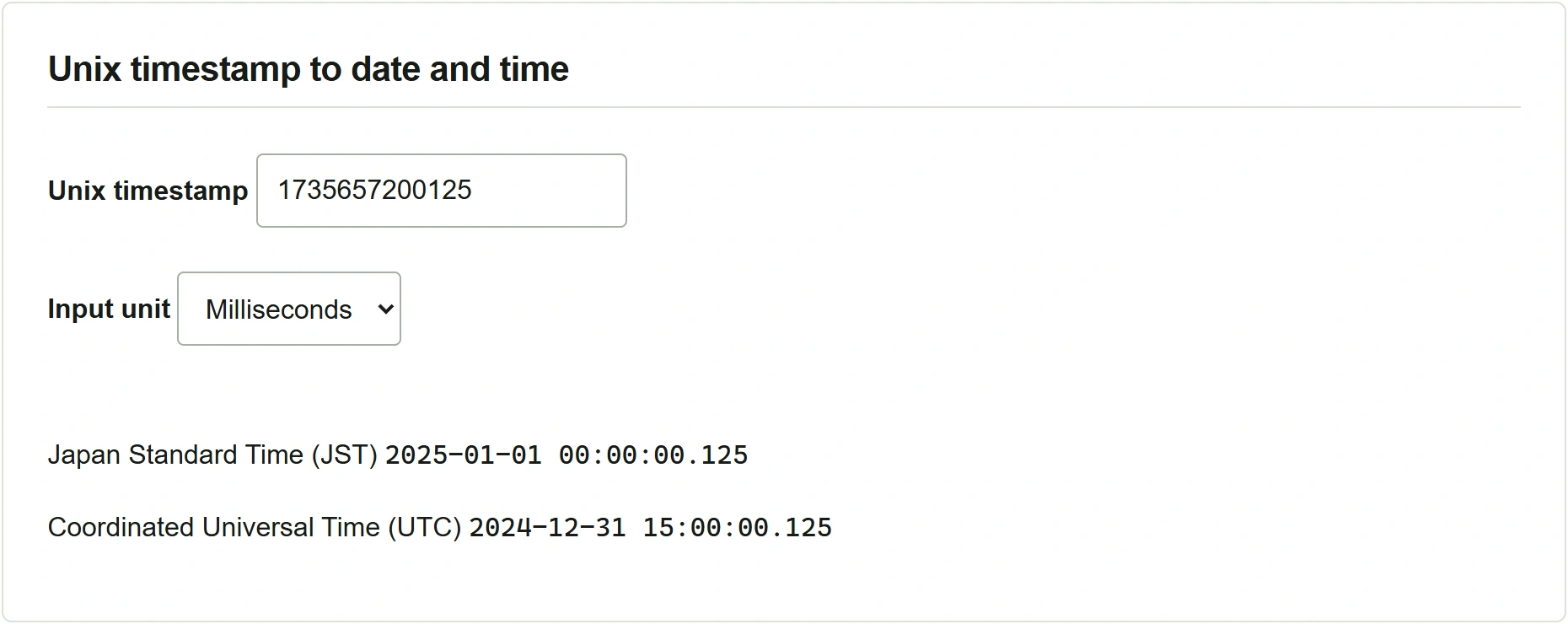
Recent timestamps often have 10 digits in integer seconds or 13 in milliseconds. Reading 1735657200 as milliseconds produces a date in January 1970. Check the documented unit before converting.
Search logs from midnight in Japan
- In “Date and time to Unix timestamp”, enter
2025-01-01 00:00in “Date and time”. Omitted seconds default to zero. - Choose “Japan Standard Time (UTC+09:00)” under “Input time zone”. The results update automatically.
- Use
1735657200if the search takes seconds or1735657200000if it takes milliseconds. Include the start instant in the search. The example log occurs 125 milliseconds later.
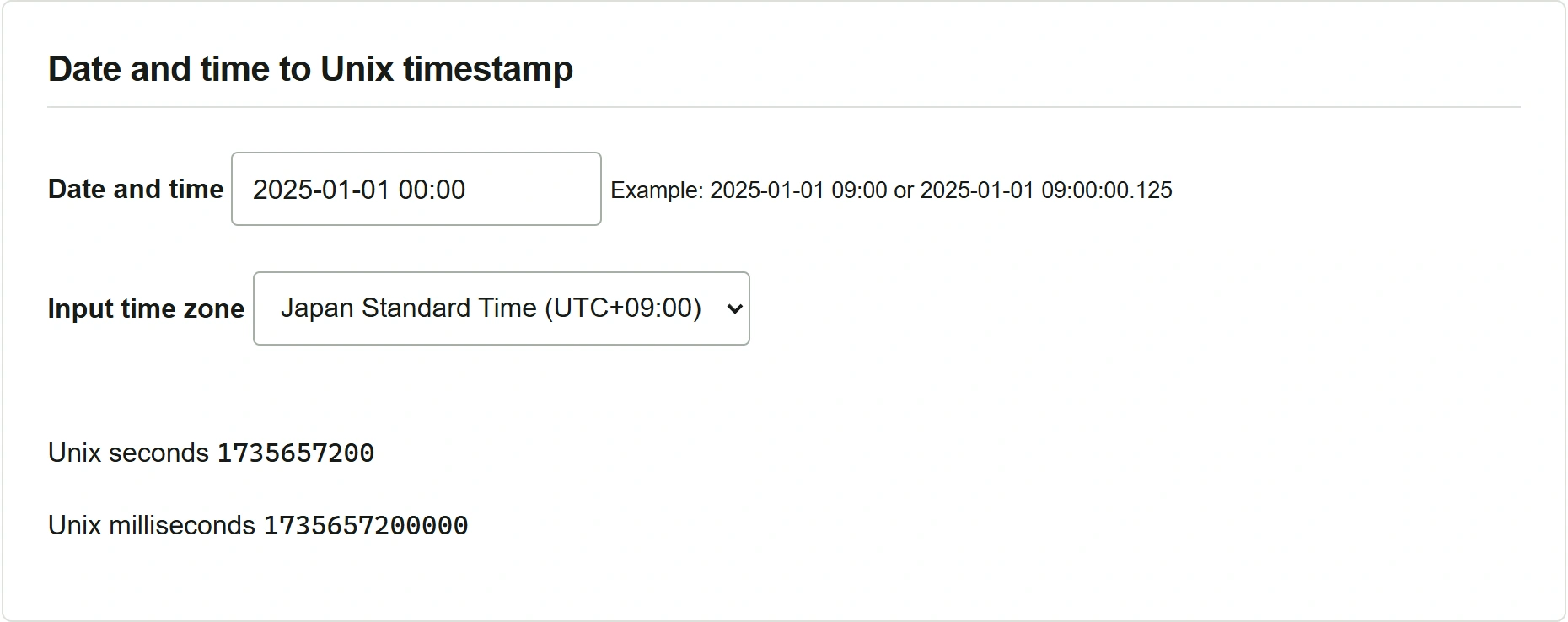
For a time recorded in UTC, choose “Coordinated Universal Time (UTC)”. Changing the time zone for the same date and time changes the result by nine hours. This tool uses UTC+09:00 for JST throughout its supported range and does not handle leap seconds.