Make an 8-second time-lapse in a 30-minute shoot
Plan an 8-second time-lapse at 24 fps. Use the shooting calculator to work out the interval for 192 photos, the time to the last exposure, and the space needed on your memory card.
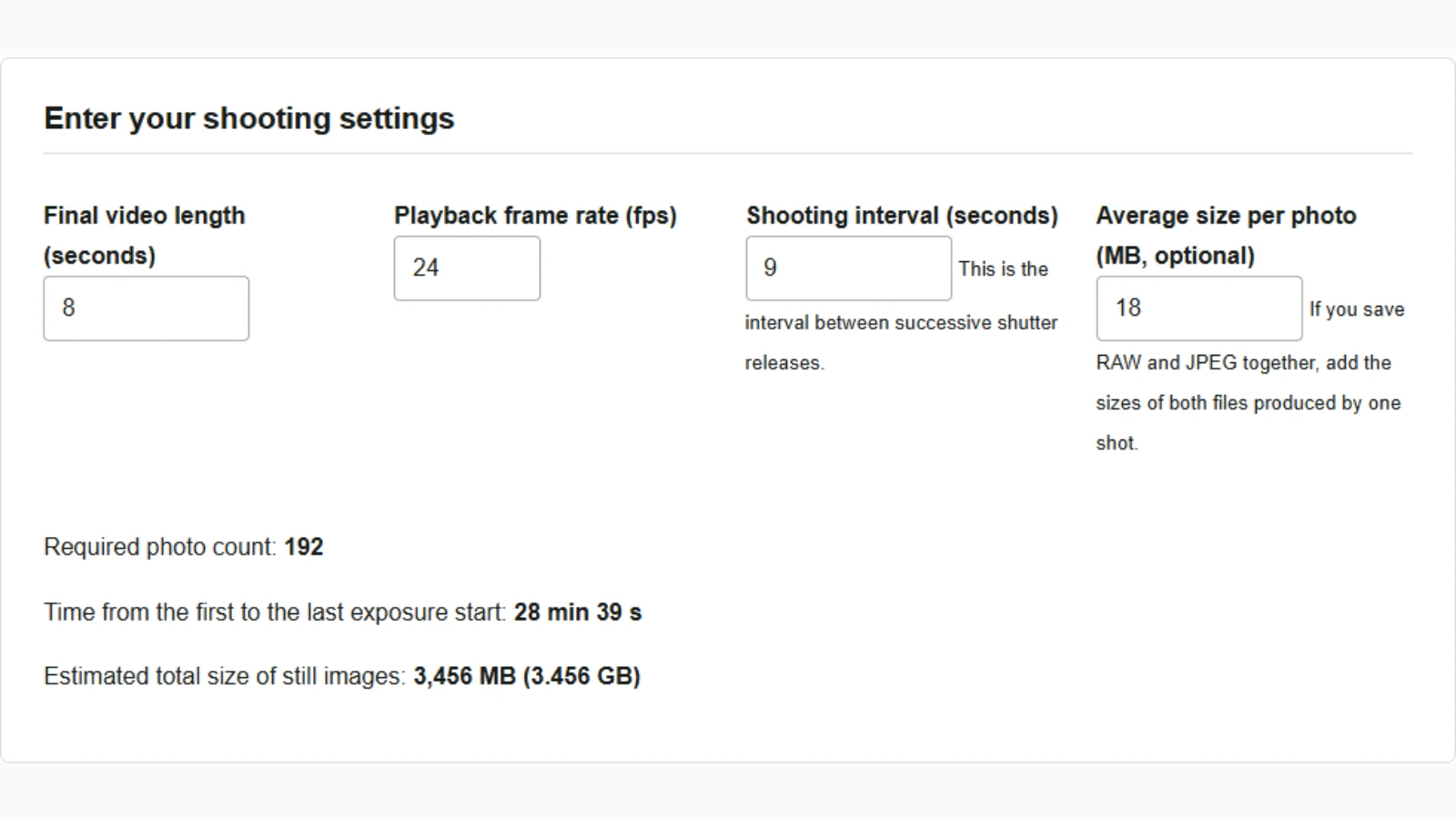
Suppose you have 30 minutes on location to capture moving clouds for an 8-second time-lapse, and your video will play at 24 fps. The time-lapse shooting calculator tells you how many shots you need and helps you pick a camera interval that fits. If you know the sizes of your test shots, you can also estimate how much space you need on the memory card. The calculations run in your browser.
Find the photo count for 8 seconds at 24 fps
- Enter
8in Final video length (seconds). - Enter
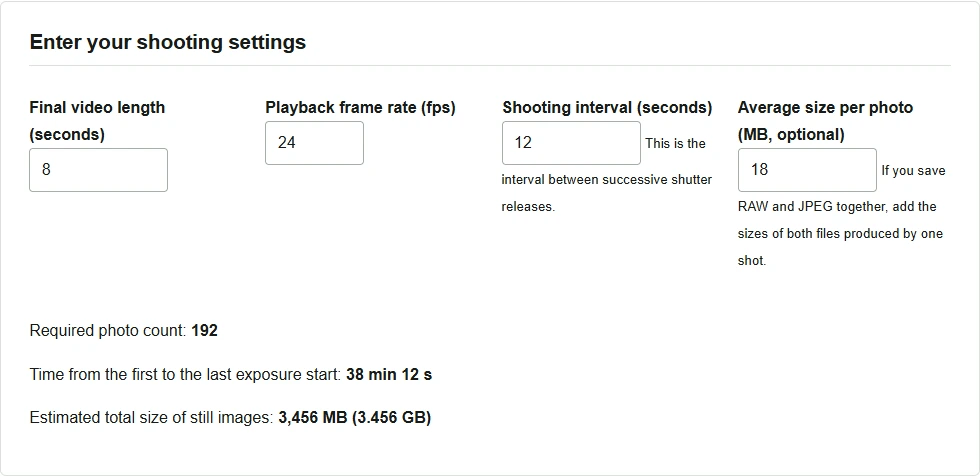
24in Playback frame rate (fps). Each photo becomes one frame, so you need8 × 24 = 192photos. - Try
12in Shooting interval (seconds). In Average size per photo (MB, optional), enter the average file size of test shots taken at the same quality. This example uses18MB.
Use a 9-second interval to fit 30 minutes
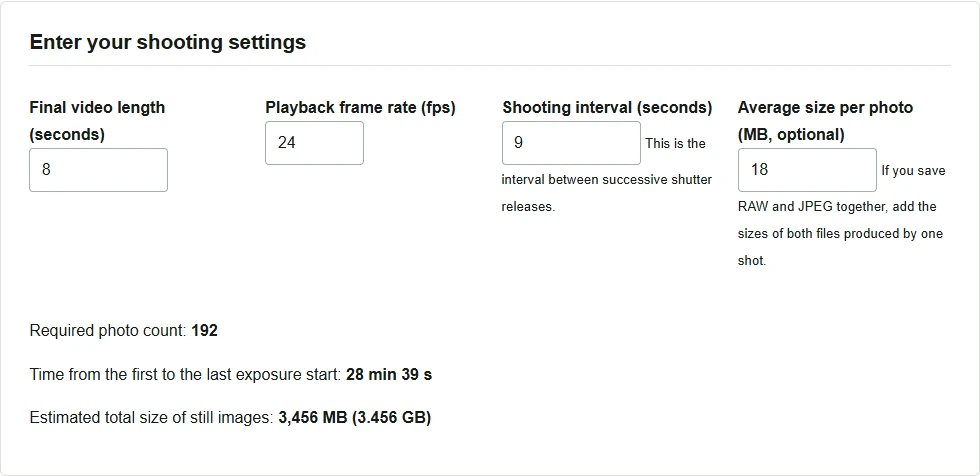
There are 191 intervals from the start of the first exposure to the start of the 192nd. With 30 minutes available, the upper limit is 1,800 ÷ 191 ≈ 9.42 seconds. For a camera that takes whole-second intervals, change Shooting interval (seconds) to 9.
The calculator shows 192 photos, 28 minutes 39 seconds, and 3.456 GB. Shortening the interval leaves the photo count unchanged because the clip length and frame rate stay the same. If the first exposure starts at 14:00:00, the last one starts at 14:28:39, leaving 1 minute 21 seconds.
Set up the camera and take test shots
Set the camera to take 192 photos with 9 seconds from the start of one exposure to the start of the next. If your camera asks for the wait from the end of one exposure to the start of the next, include the exposure time when checking the start-to-start interval. The calculation ends at the start of the last exposure, so allow time for it to finish and for the camera to write the file before moving your gear.
Budget about 192 × 18 = 3,456 MB for the photos. If you save RAW and JPEG together, add both file sizes for each shot before calculating the average. Take a short sequence before the shoot to check that the camera can fire every 9 seconds and that you have enough space for actual file sizes. After shooting, import the image sequence into your editor at 24 fps. The 192 photos give you an 8-second clip.