Estimate WAV recording size: 75 minutes 30 seconds in stereo and mono
Estimate the storage needed for a 75-minute-30-second interview recorded as 48 kHz, 24-bit WAV. English-interface screenshots show the stereo/mono comparison, 24-bit audio stored in 32 bits, and how to compare the result with free space.
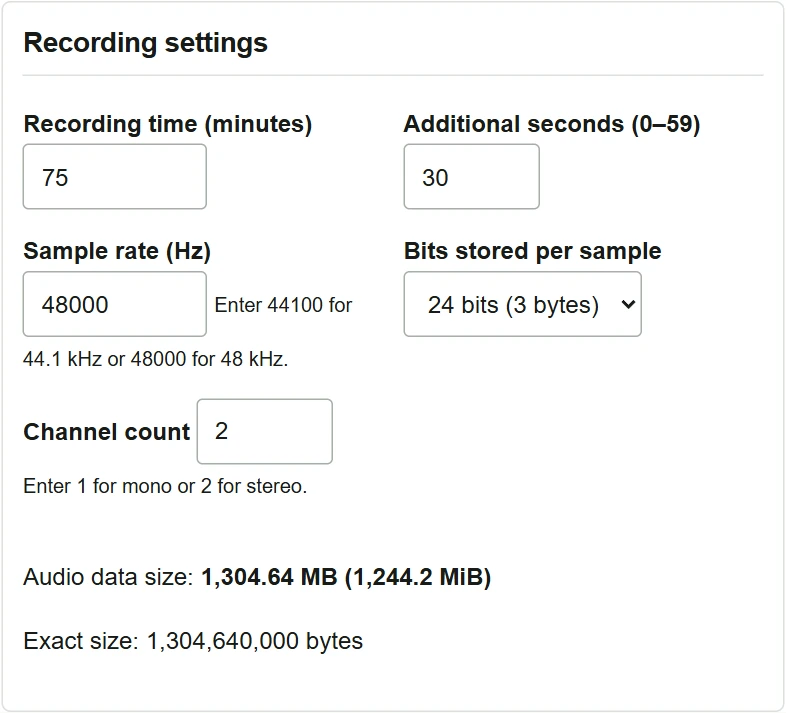
Before recording a 75-minute interview, I want to allow for 75 minutes 30 seconds, including the initial level check. The recorder is set to uncompressed WAV at 48 kHz and 24 bits. Open the WAV recording file size calculator to compare storing the left and right channels separately with mixing the voices into mono.
Calculate a 75-minute-30-second stereo recording
- Enter
75in “Recording time (minutes)” and30in “Additional seconds (0–59).” - Enter
48000as the sample rate. The field uses Hz, so specify 48 kHz as 48,000 Hz. - Because each 24-bit sample is stored in 3 bytes, select
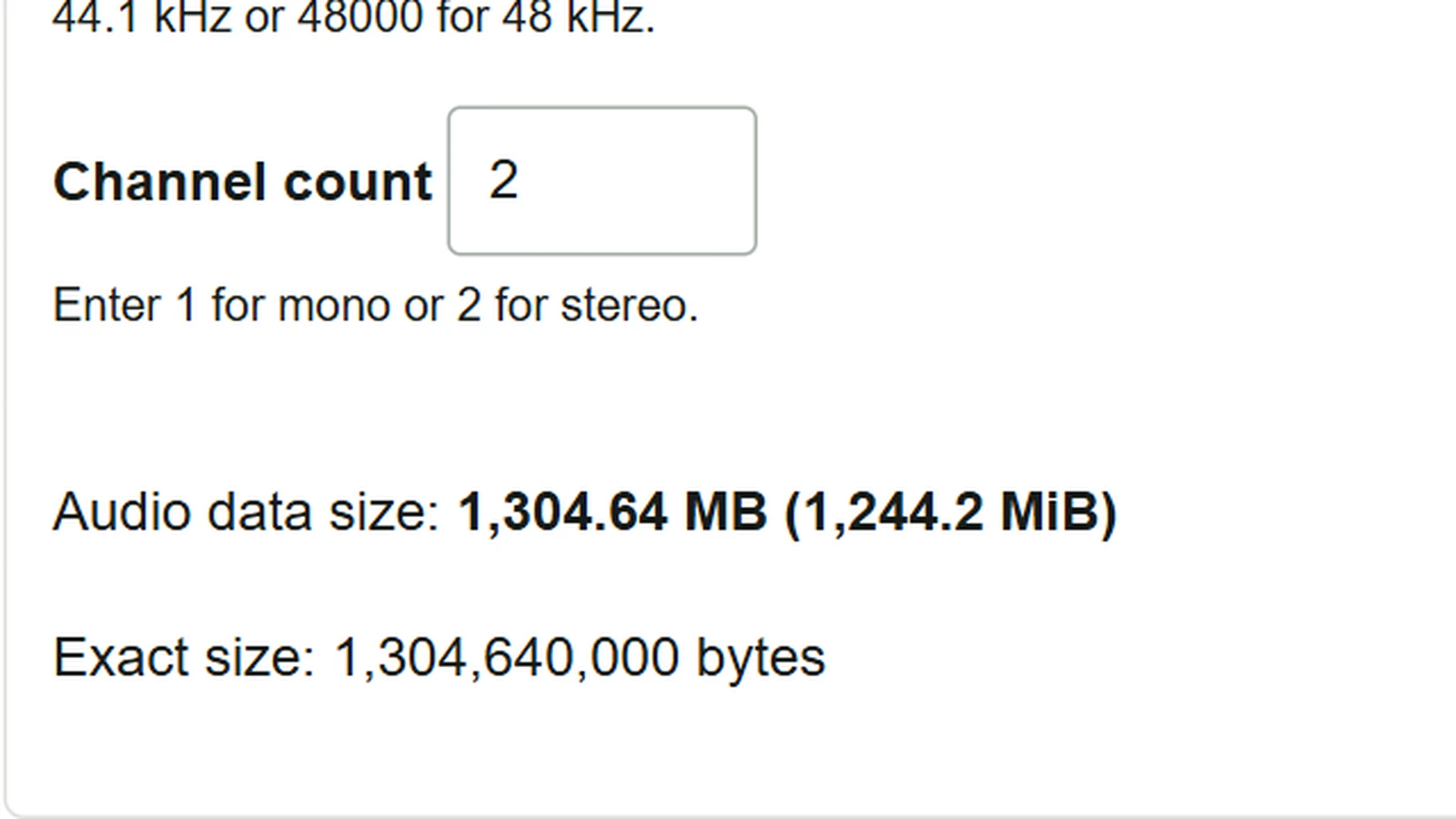
24 bitfor the storage depth. Enter2channels to store left and right separately. - The audio data size is 1,304.64 MB (1,244.2 MiB), or 1,304,640,000 bytes. The result updates as you change the inputs.
Compare the size when mixing to mono
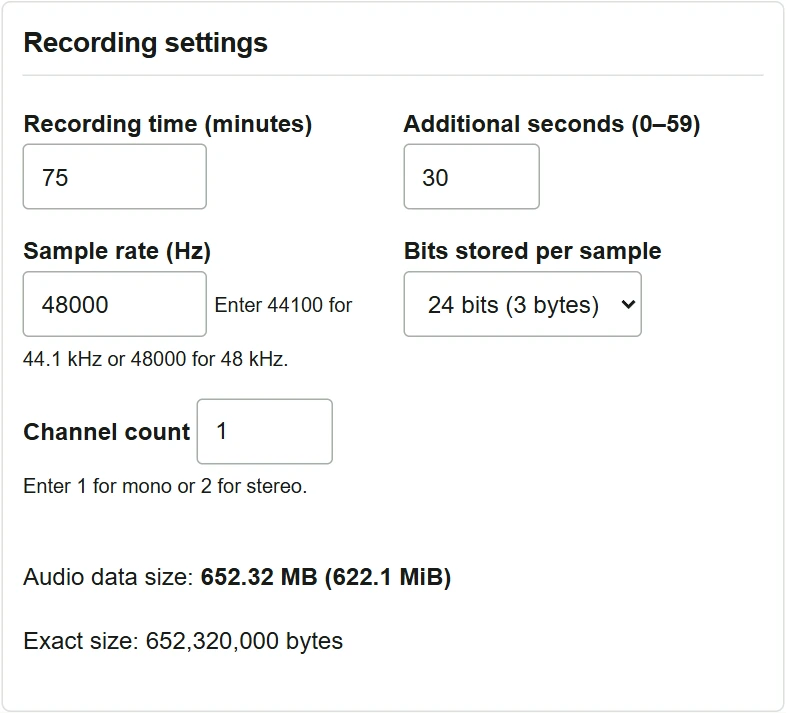
- Keep the duration, sample rate and storage depth unchanged, and change the channel count to
1. - The size becomes 652.32 MB (622.1 MiB). With the other settings unchanged, this is half the two-channel size.
If you want to adjust the left and right channels independently while editing, check that the recorder is configured to store them separately.
Compare the result with free space on the recording medium
The size is “recording seconds × sample rate (Hz) × bytes stored per sample × channel count.” If the equipment or software stores 24-bit audio in a 32-bit container, select 32 bit for the storage depth. The same stereo example then uses 1,739.52 MB.
MB means one million bytes; MiB means 1,048,576 bytes. They express the same amount of data in different units. Match the unit shown for free space, or compare the byte counts. The result covers audio data only, so leave room for the WAV header, metadata, file system allocation and a longer session. This formula does not apply to compressed formats such as MP3, AAC or FLAC.
To estimate the upload time after recording, see the size and connection-speed examples in the file transfer time calculator guide.