How many minutes to send a 6 GB file? Calculating transfer time and required speed
Use a 6 GB file at 80 Mbps to calculate transfer time and the average speed needed to meet a deadline. Screenshots show how to choose size and speed units and use the calculator.
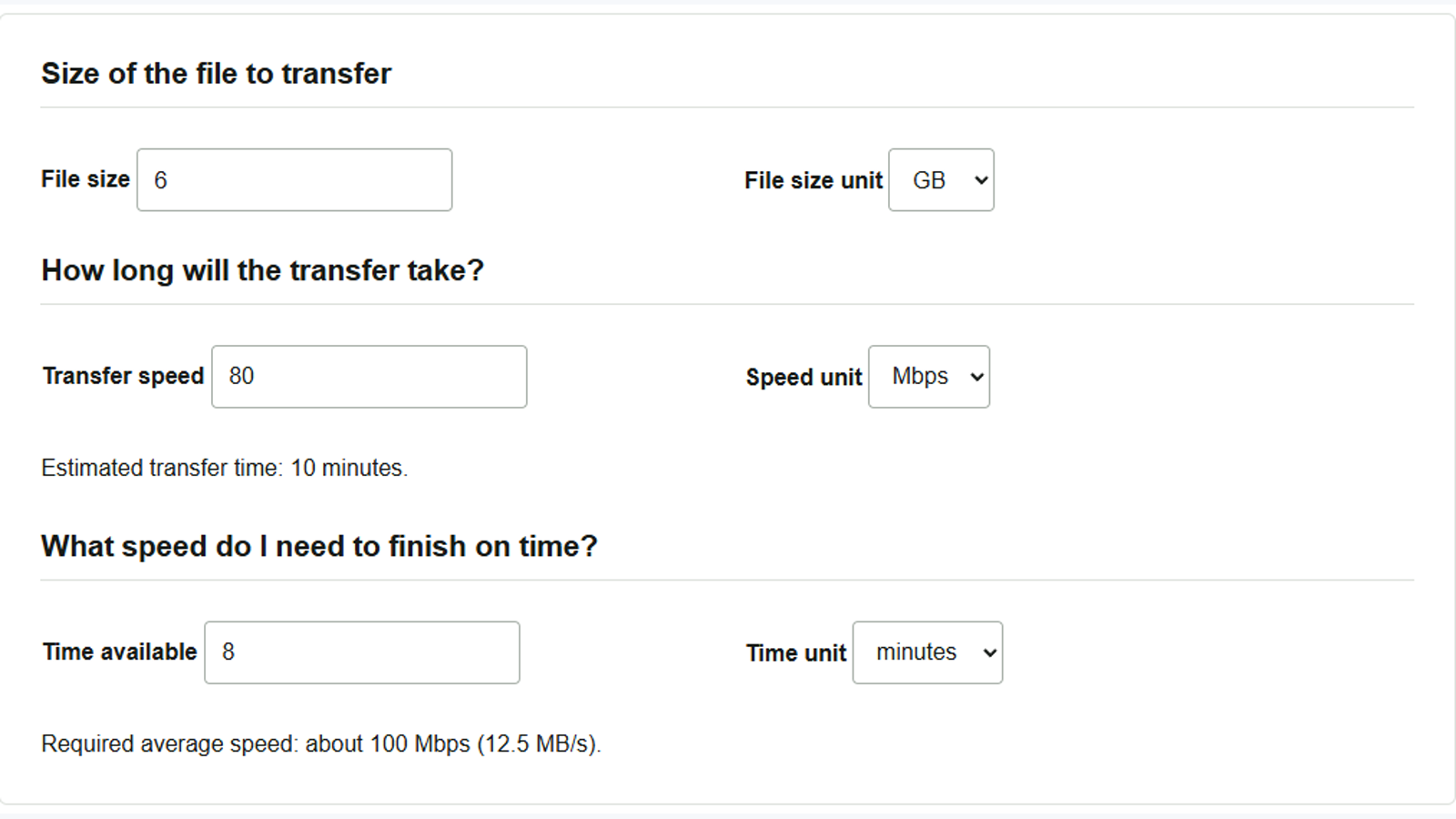
When sending 6 GB of recorded data to a shared folder, knowing the upload duration makes it easier to tell someone when the files will be available. The File transfer time calculator estimates the duration from the size and measured speed, helping you check whether that speed meets your deadline. Enter numbers and units; you do not need to select the actual file.
To estimate the transfer before recording, the WAV/PCM recording size calculator can calculate uncompressed WAV audio size from the recording settings and planned duration. For example, one hour of stereo audio at 48 kHz and 24 bits contains about 1.04 GB of audio data alone.
Calculate the duration from a measured upload speed
- Enter
6in File size and select GB in File size unit. - Enter
80in Transfer speed and select Mbps in Speed unit. Use the measured upload speed when sending and the measured download speed when receiving. - The result updates as you type. Below the speed fields, the estimated transfer time is 10 minutes.
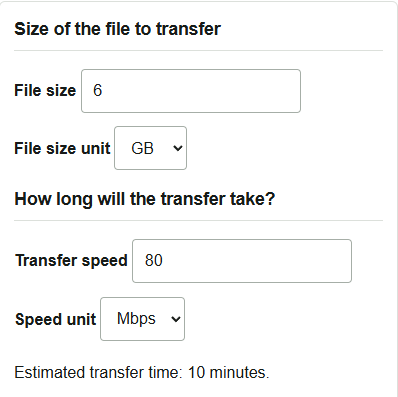
If your measurement says 10 MB/s, enter 10 for the speed and change the unit to MB/s. The lowercase b in Mbps means bits; the uppercase B in MB/s means bytes, and one byte is 8 bits. Match the size unit too: choose GiB when that is what your device displays. One GB is 1 billion bytes, while one GiB is 1,073,741,824 bytes, so the same numeric size produces different estimates.
Find the speed needed to finish in 8 minutes
- Keep the file size at 6 GB.
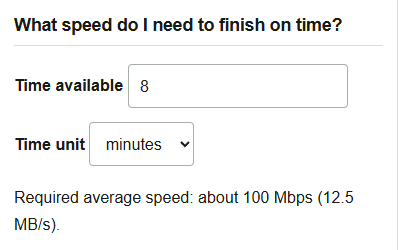
- Enter
8in Time available and select minutes in Time unit. - The required average speed is about 100 Mbps (12.5 MB/s). If your measured speed is 80 Mbps, the calculation leaves you 2 minutes short, so start sending at least that much earlier.
If you cannot start earlier but can send the recorded data as separate files, decide which files to share first. Entering the same 80 Mbps and 8 minutes in the transfer calculator gives an estimated transferable size of 4.8 GB. From the 6 GB total, select the files the recipient needs to check first, leaving some room below that limit.
The duration assumes that the entered speed remains constant throughout the transfer. Network congestion or limits at the destination may reduce it. If preparing the files and checking them after sending must also fit before the deadline, subtract that time and allow a margin. To recalculate during a transfer, enter the remaining size instead of the full size and use the recent average speed.