Read 0D 0A line endings and distinguish the digit 0 with an ASCII table
Look up hexadecimal 0D 0A in the ASCII table to distinguish CRLF from LF. Search screenshots also show why the digit character 0 differs from code value 0.
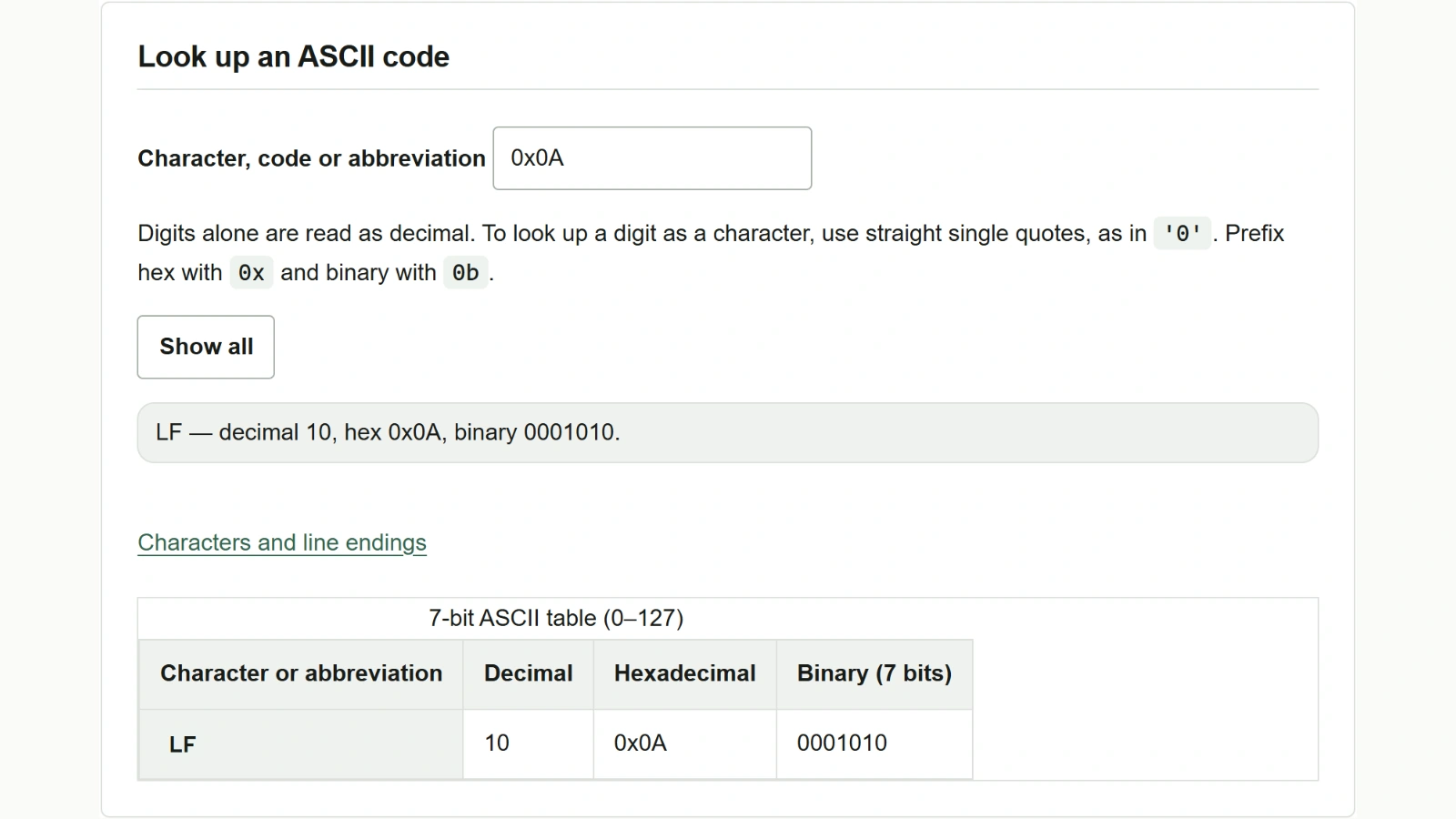
When you open a text file in a hexadecimal view, line endings that look the same on screen can have different byte sequences. Suppose a sample file containing A, a line ending, and B appears as 41 0D 0A 42. Use the ASCII code table to check what lies between the two letters.
Look up 0D 0A one byte at a time
- Enter
0x0Din “Character, code or abbreviation”. The table filters as you type and showsCR(carriage return, decimal 13), corresponding to hexadecimal0x0D. - Replace the contents of the same field with
0x0A. This showsLF(line feed, decimal 10). Add the0xprefix when searching for hexadecimal values, even if the file view omits it. - In this example, CR followed by LF appears between
AandB, so that line ending is CRLF. If the bytes are41 0A 42, the line ending at that position consists of LF alone.
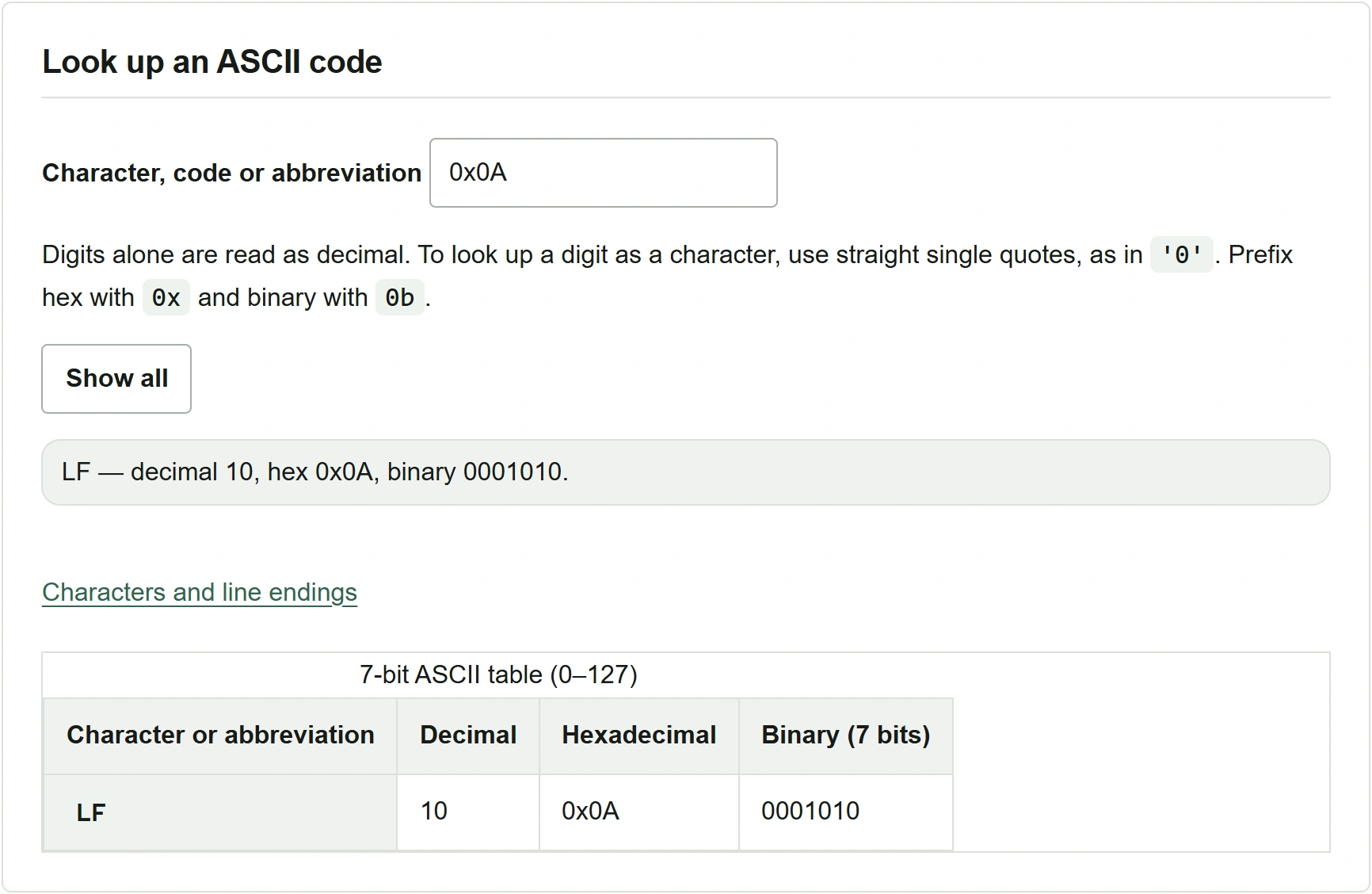
To check other lines in the file, compare the bytes around line endings in the binary editor. The ASCII table looks up individual characters or code values that you enter. It does not load an entire file and detect its line-ending types.
Distinguish the digit character 0 from code value 0
- Enter
0in the search field. Input consisting only of digits is treated as decimal, so the result isNUL(the null character), code value 0. Its hexadecimal value is0x00. - To look up the digit as a character, enter
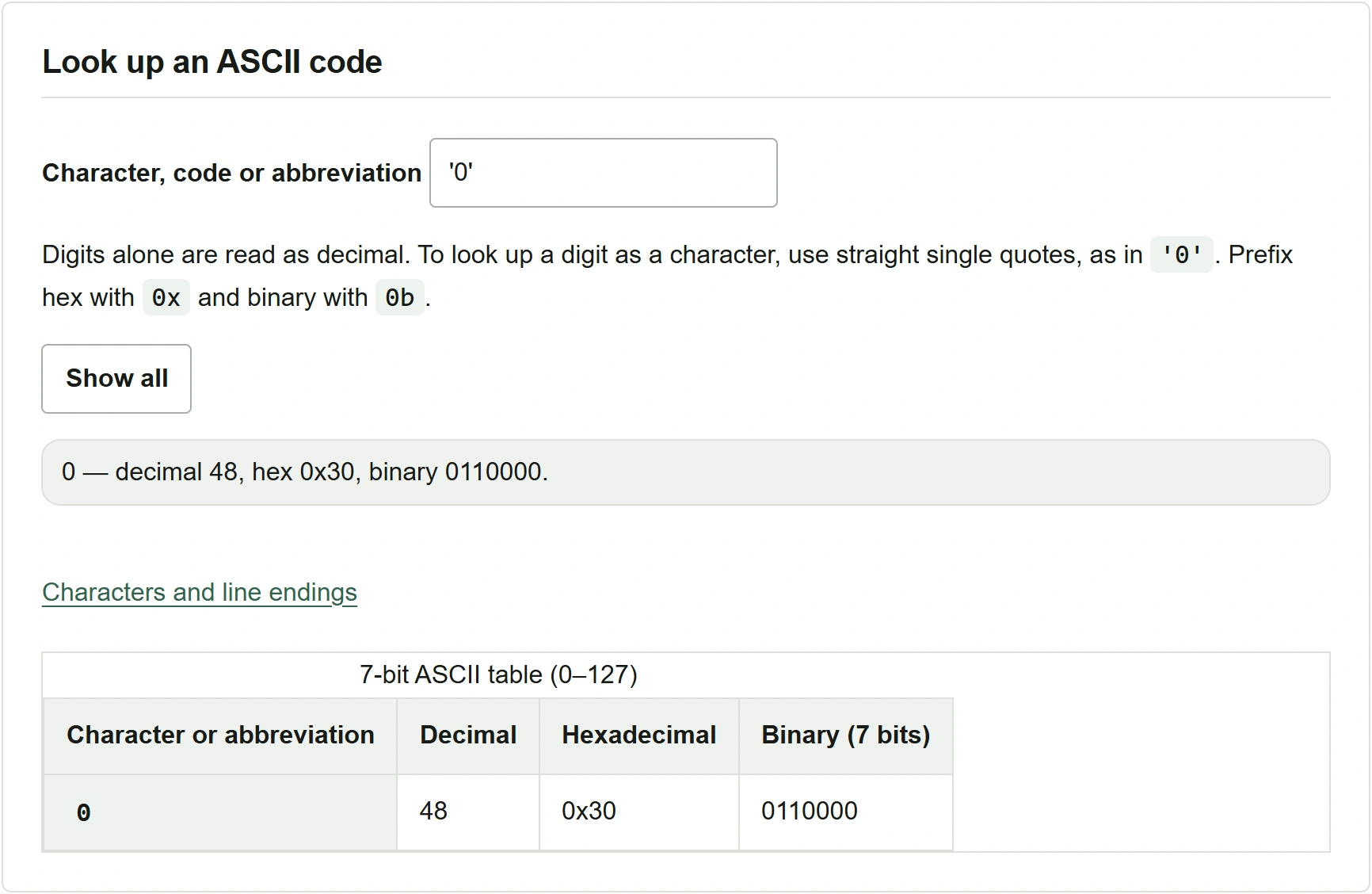
'0'enclosed in straight single quotes. The character0has decimal code 48 and hexadecimal code0x30. - To search by binary value, prefix the displayed
0110000with0band enter0b0110000. The same row appears. Click “Show all” to clear the search and return to all 128 entries.
ASCII covers only the 7-bit range from 0x00 to 0x7F. If you find bytes of 0x80 or higher, check the file’s character encoding before interpreting them. You can verify code values and abbreviations in the ASCII table in RFC 20.