What Is 68 °F in Celsius? Convert Temperature Scales and Save Historical Values as TSV
Convert 68 °F to 20 °C and 293.15 K. Follow screenshots to filter historical scales such as Réaumur and save their values, notes, and source URLs in a TSV file.
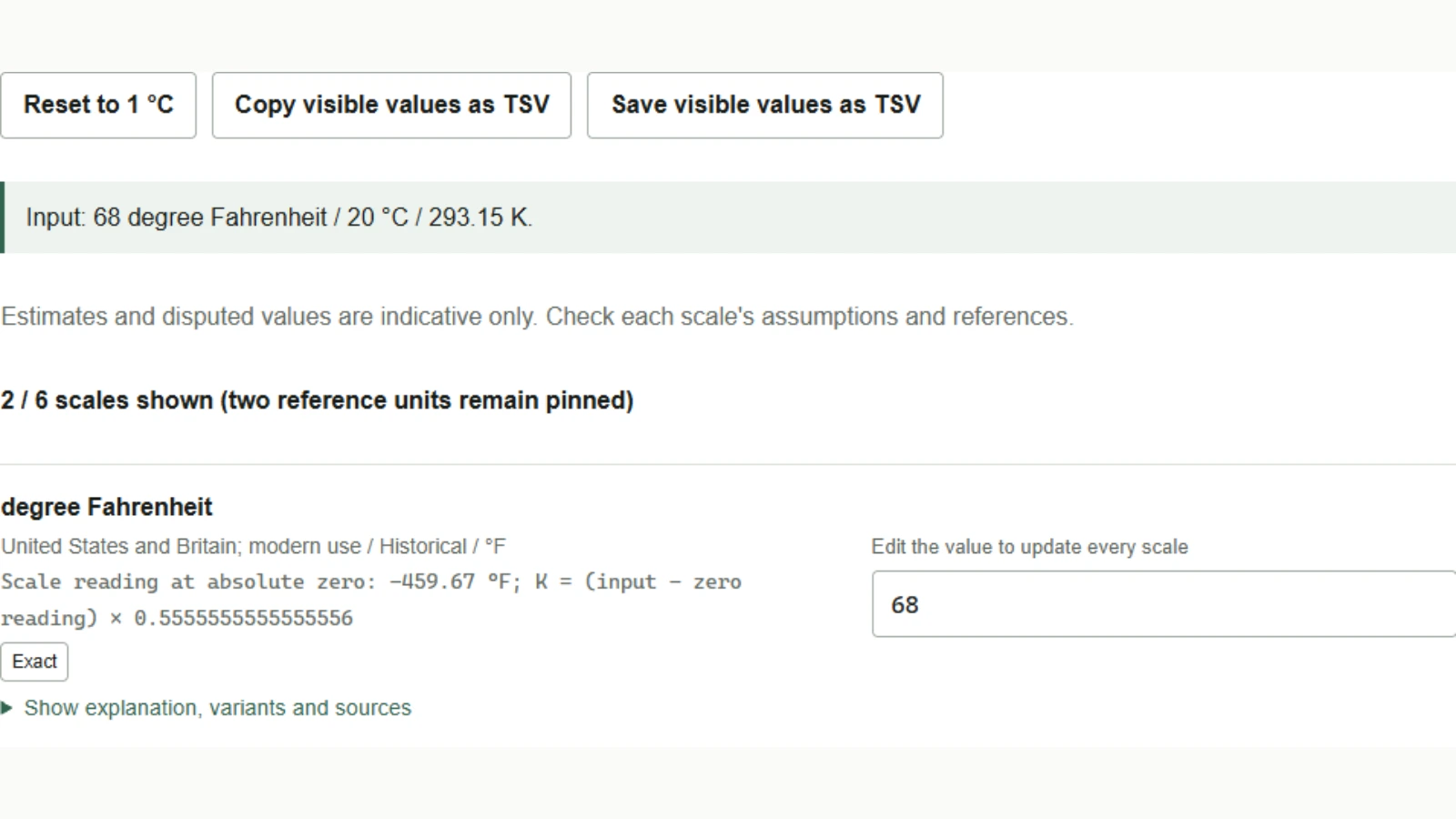
An English-language reference lists room temperature as 68 °F. Enter that value in the Fahrenheit field of the temperature scale converter to see Celsius and Kelvin at the same time. You can also express the same temperature in a historical scale such as Réaumur and bring the result into a spreadsheet along with the definition used. Both conversion and TSV generation happen in the browser.
Convert 68 °F to Celsius and Kelvin
- Enter
Fahrenheitin Search unit names, regions and descriptions. The search also checks descriptions, so look for the degree Fahrenheit row among the results. - Enter
68in that row’s value field. The conversion runs as you type. - Check that the pinned fields at the top show
20for Celsius and293.15for Kelvin.
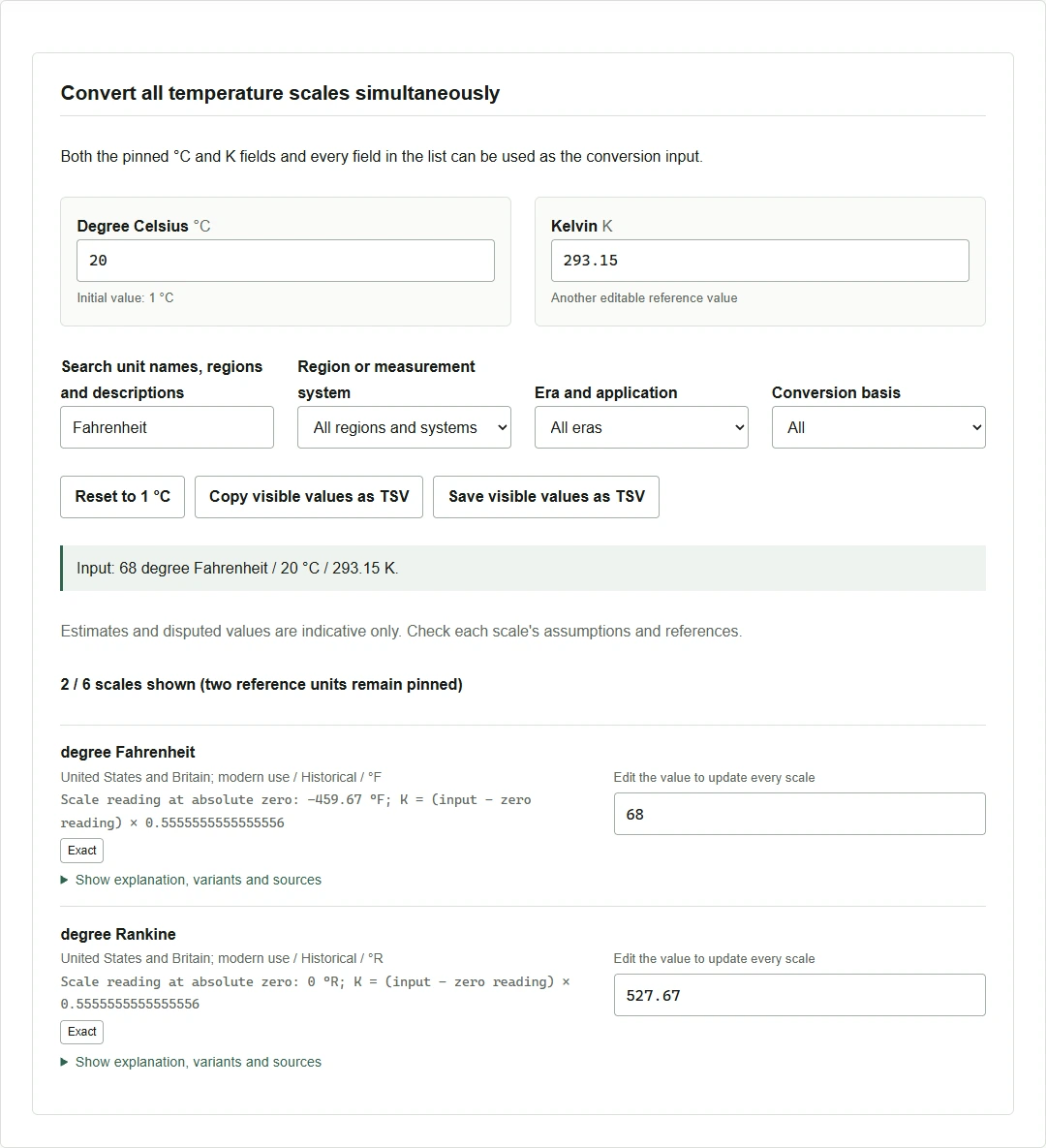
To check the result by hand, subtract 32 from the Fahrenheit value and multiply by 5/9 to get 20 °C. Add 273.15 to the Celsius value to get 293.15 K. Here, 68 °F is a temperature, such as room temperature. If 68 °F refers to a difference between two temperatures, omit the subtraction of 32 when converting the difference to Celsius.
Filter historical scales and save the results as TSV
- Set Era and application to Historical or obsolete and replace
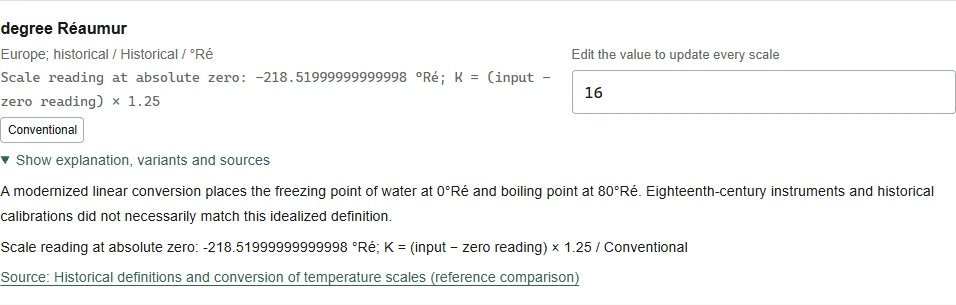
FahrenheitwithRéaumurin the search field. The value calculated from 68 °F stays in effect when the Fahrenheit row disappears. - Check that degree Réaumur shows
16. Expand Show explanation, variants and sources to read the conversion formula and references.
- Click Save visible values as TSV. The file
world-temperature-units.tsvcontains three rows of data: Réaumur from the filtered list and the pinned Celsius and Kelvin values. Each row includes notes and a source URL alongside the conversion. - Open the file in a spreadsheet. If you are asked for a delimiter, choose Tab. Use Copy visible values as TSV if you want to paste the data into a sheet you already have open.
When interpreting values from old sources, compare their date and thermometer calibration with the definition the tool uses. Celsius and Fahrenheit accept negative numbers. An input below absolute zero displays an invalid result and disables TSV saving.