How many GiB are in 500 GB? A data unit conversion guide
Convert 500 GB to about 465.66 GiB. Check the byte count and the IEC definition, then save the visible results and sources as TSV.
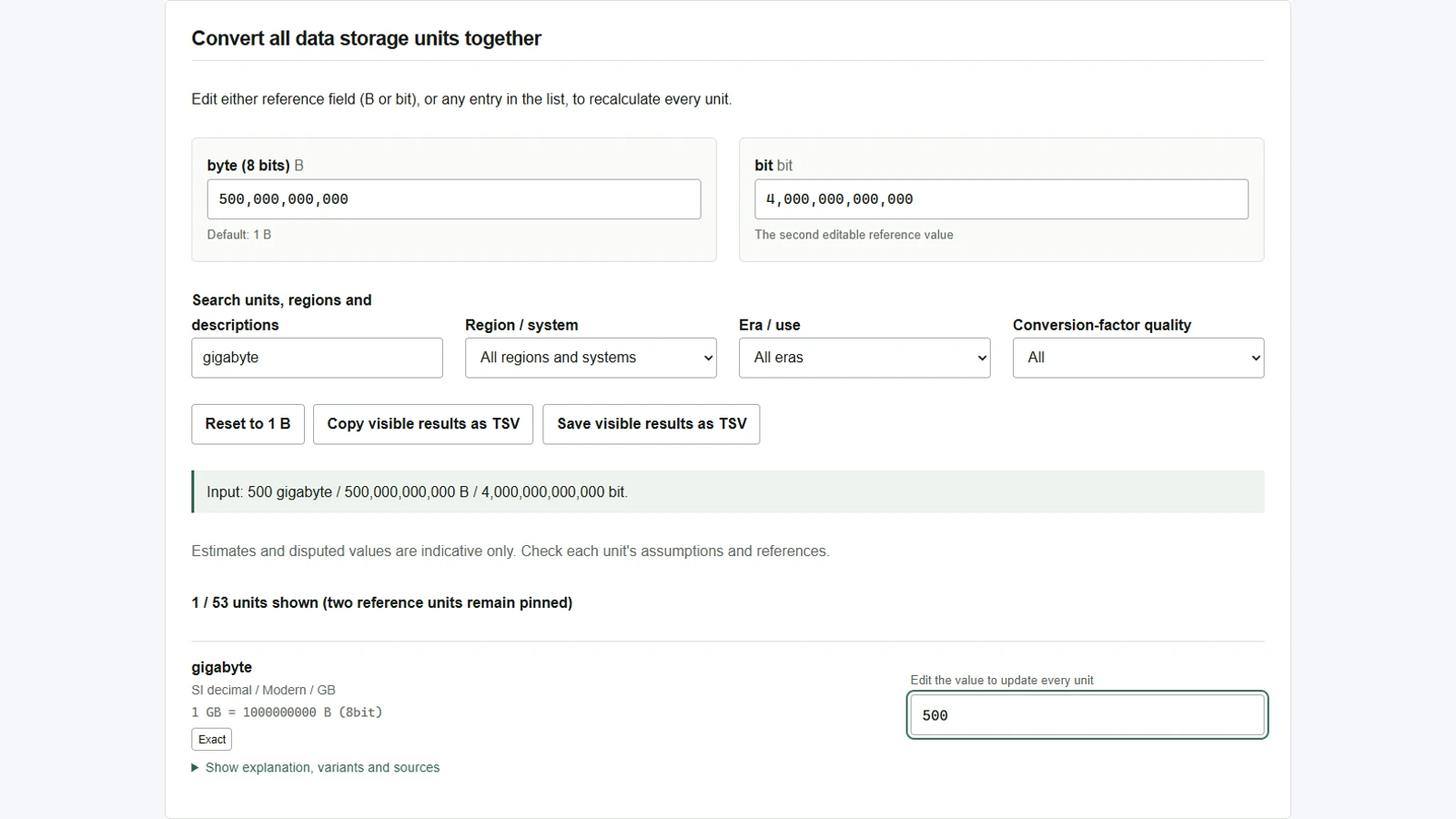
A specification lists 500 GB, while your records use GiB. Put the two figures in the same unit before comparing them. In the world data unit converter, changing any one numeric field updates conversions for 55 units, including bytes and bits.
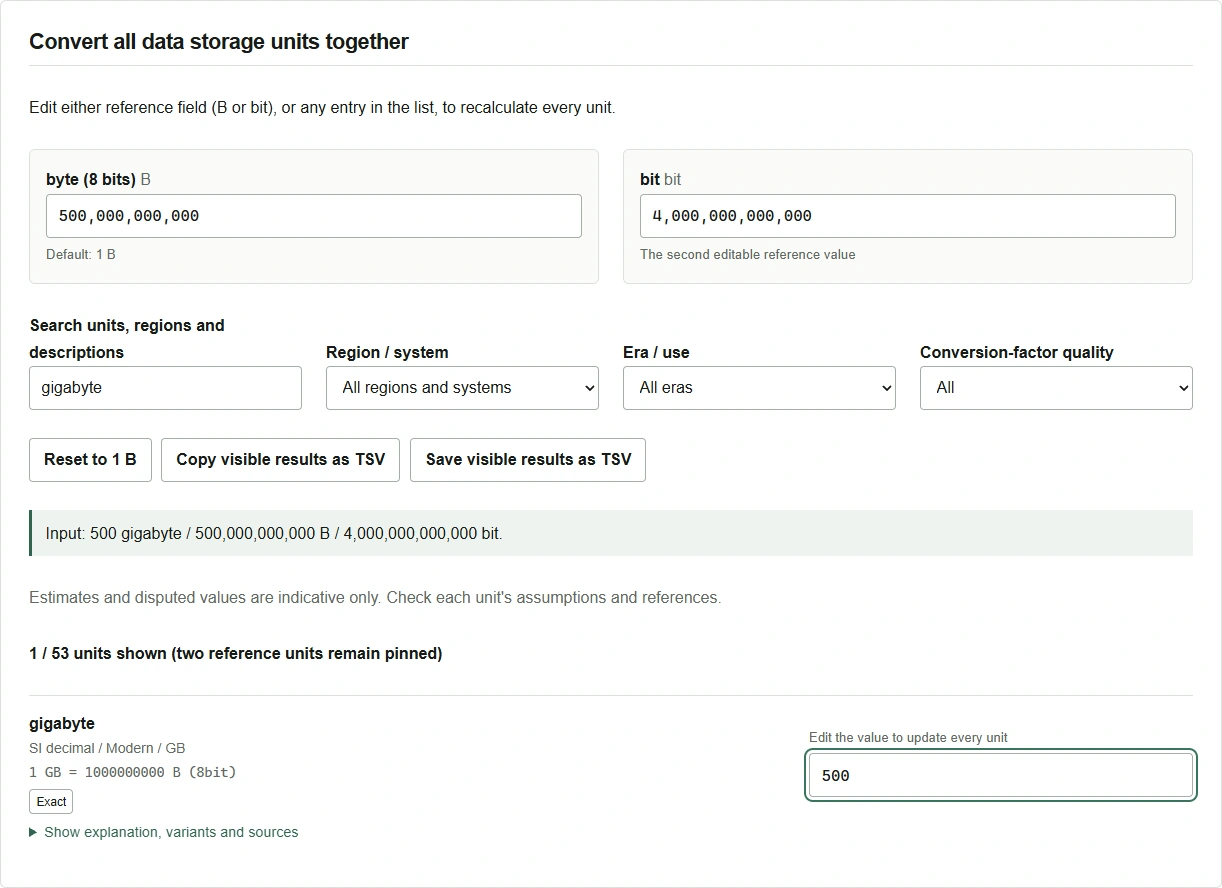
Enter 500 GB
- Type
gigabytein Search units, regions and descriptions. English unit names work even on the Japanese page. - Enter
500in the GB field for the decimal gigabyte. - The reference fields at the top show 500,000,000,000 B and 4,000,000,000,000 bit. Digit grouping and scientific notation can vary by field.
Check the GiB result and its definition
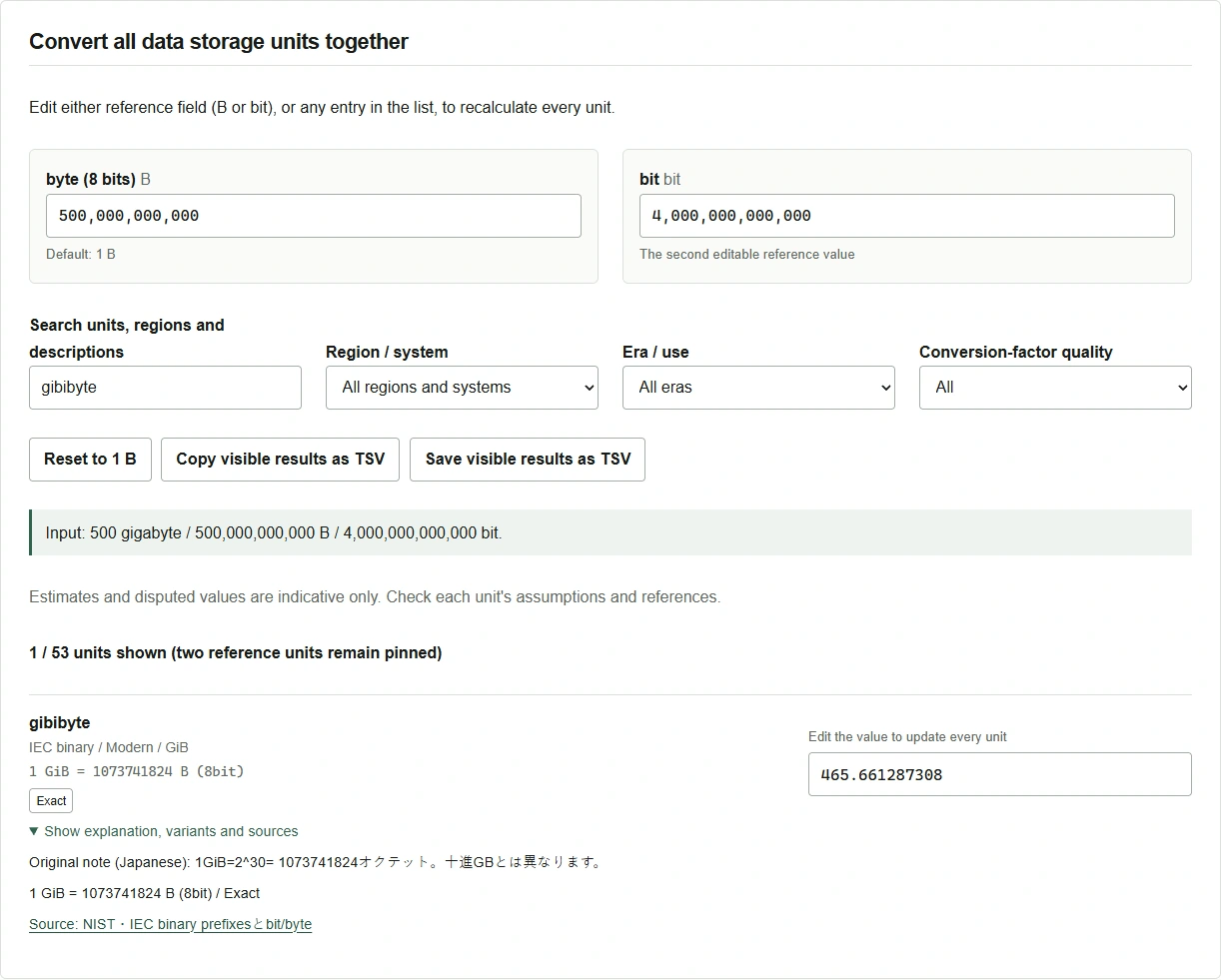
- Replace the search term with
gibibyte. The decimal GB row disappears from view, and the calculation still uses 500 GB as its basis. - Read approximately 465.66 GiB in the GiB field for the IEC binary gibibyte.
- Open Show explanation, variants and sources. The definition is 1 GiB = 2³⁰ B = 1,073,741,824 B. Since 1 GB = 10⁹ B, divide 500,000,000,000 by 1,073,741,824. NIST definitions of binary prefixes
Save the visible results as TSV
Leave gibibyte in the search box and select Save visible results as TSV. The TSV includes visible conversion rows, the pinned B and bit fields, definition notes and reference URLs. To record multiple units, adjust the search or filters until the relevant rows appear. Conversion and TSV generation run in the browser.
Keep the source unit and rounding method with your figures so you can recalculate later. This example converts units. Check the actual device for available space after formatting.