Practising 7/8 in 2+2+3 with a browser metronome
Hear where the accents fall in 7/8. Set the browser metronome to 120 eighth notes per minute and compare 2+2+3 with 3+2+2.
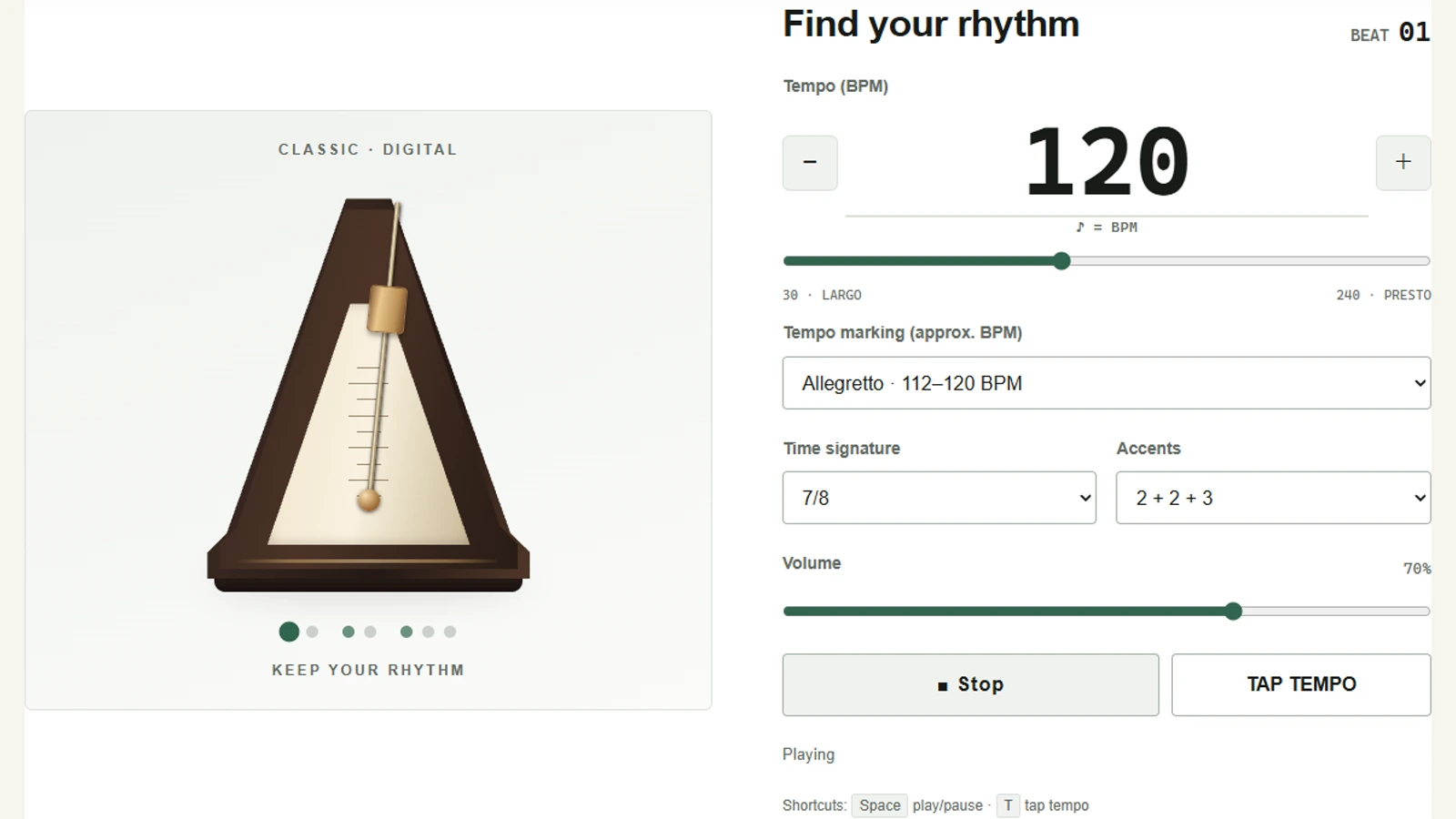
Even when you play all seven eighth notes evenly in 7/8, it is easy to lose track of where the phrase turns. If the score groups them as 2+2+3, count TA ta, TA ta, TA ta ta to hear the return to the next bar. The browser metronome can accent the start of each group. It generates the sound on your device.
Play 7/8 in 2+2+3
- Enter
120in Tempo (BPM). - Select
7/8under Time signature and2+2+3under Accents. - Turn the volume down and press Start. The first of seven clicks is strongest. Clicks 3 and 5 mark the next groups. Tap on the table with the clicks first, then play your phrase once the grouping feels familiar.
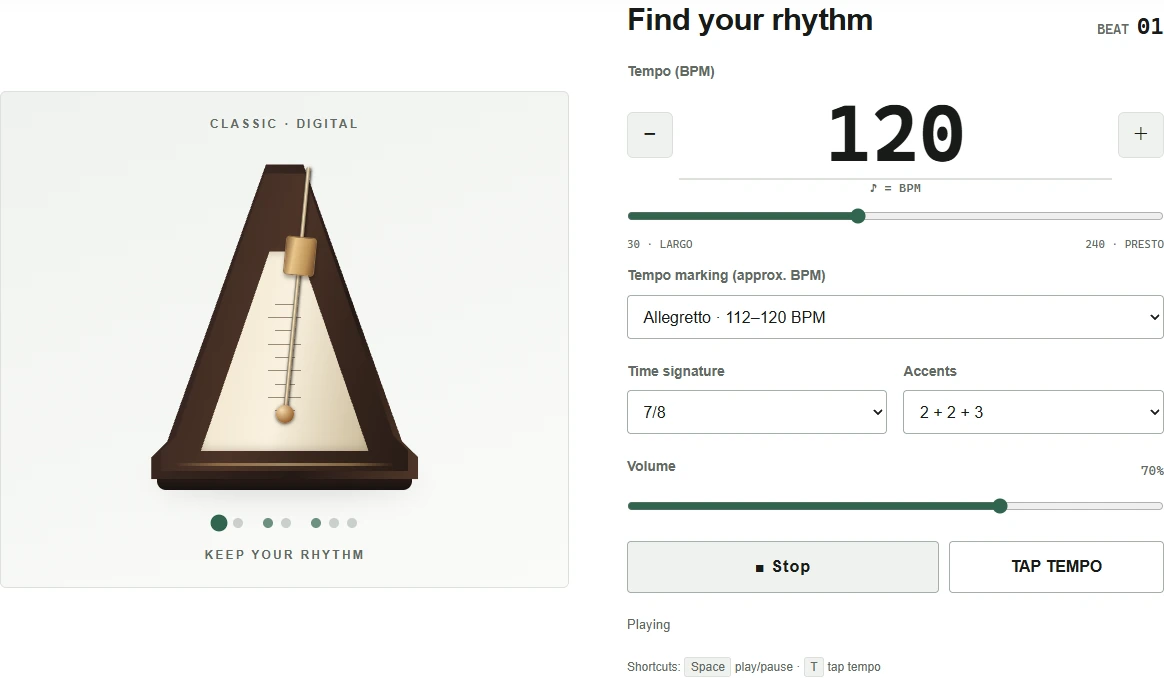
When the denominator is 8, ♪ = BPM appears below the tempo control. Here 120 means 120 eighth notes per minute, or 0.5 seconds between clicks. Each bar lasts 3.5 seconds; its three groups take 1, 1 and 1.5 seconds.
Compare 3+2+2 at the same tempo
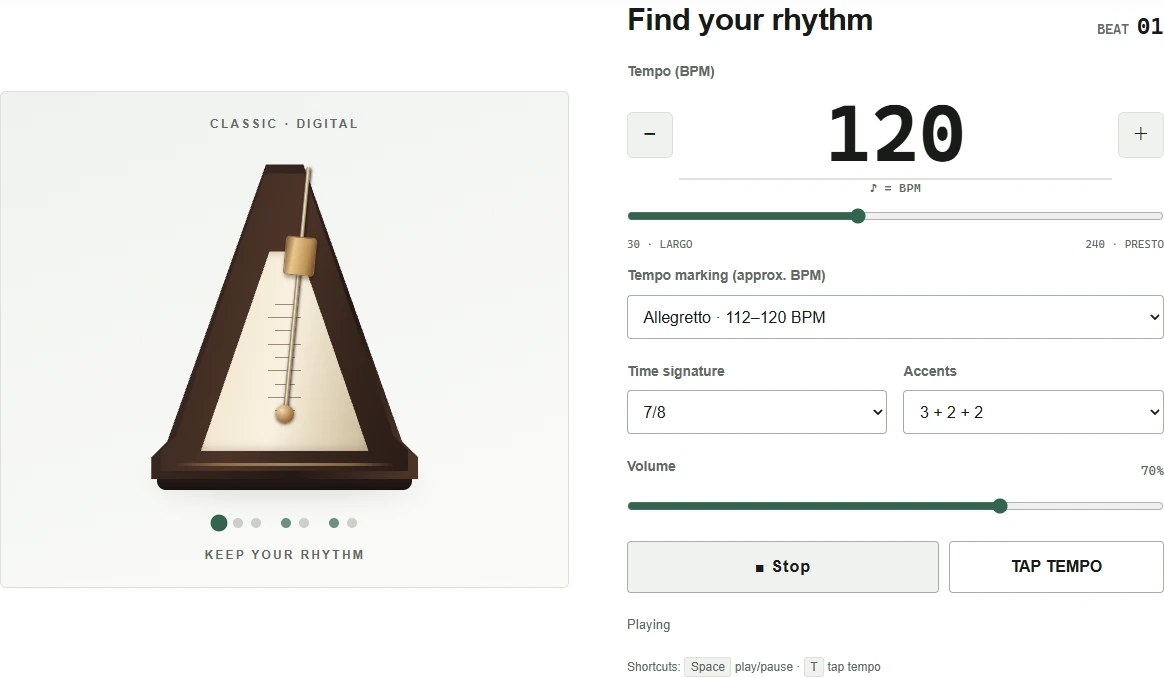
- Keep the tempo and meter and change Accents to
3+2+2. - Count TA ta ta, TA ta, TA ta aloud and listen for accents on clicks 1, 4 and 6. The clicks and bars last as before, with a longer first group.
- Pick the grouping that fits your phrase. When you finish practising, press Stop.
Check which note value the score uses for its tempo. A quarter note contains two eighth notes, so 60 quarter notes per minute calls for 120 eighth notes per minute in the tool’s 7/8 mode. Switching tabs or locking the screen during playback can interrupt the sound, depending on your browser and power settings.